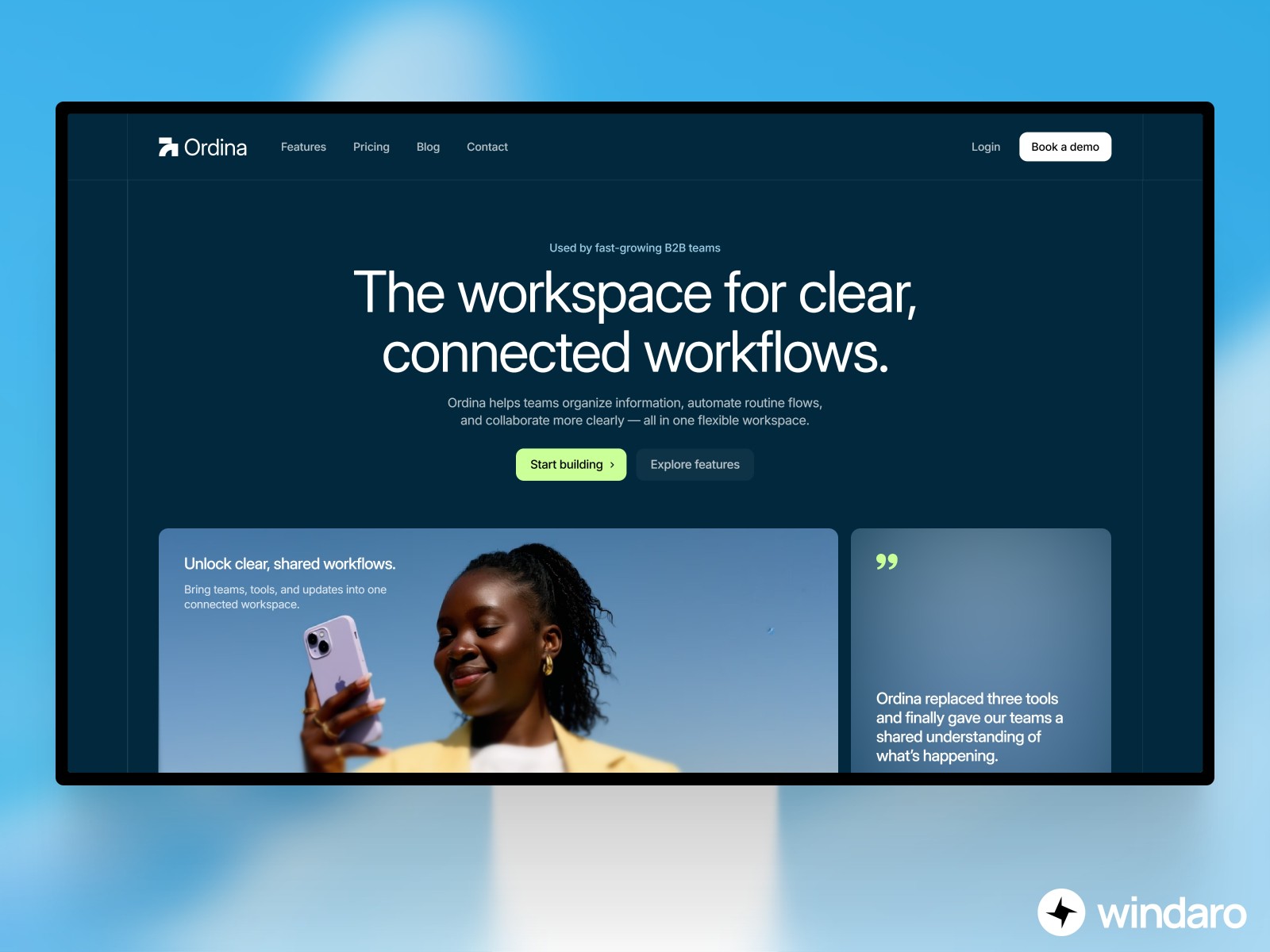
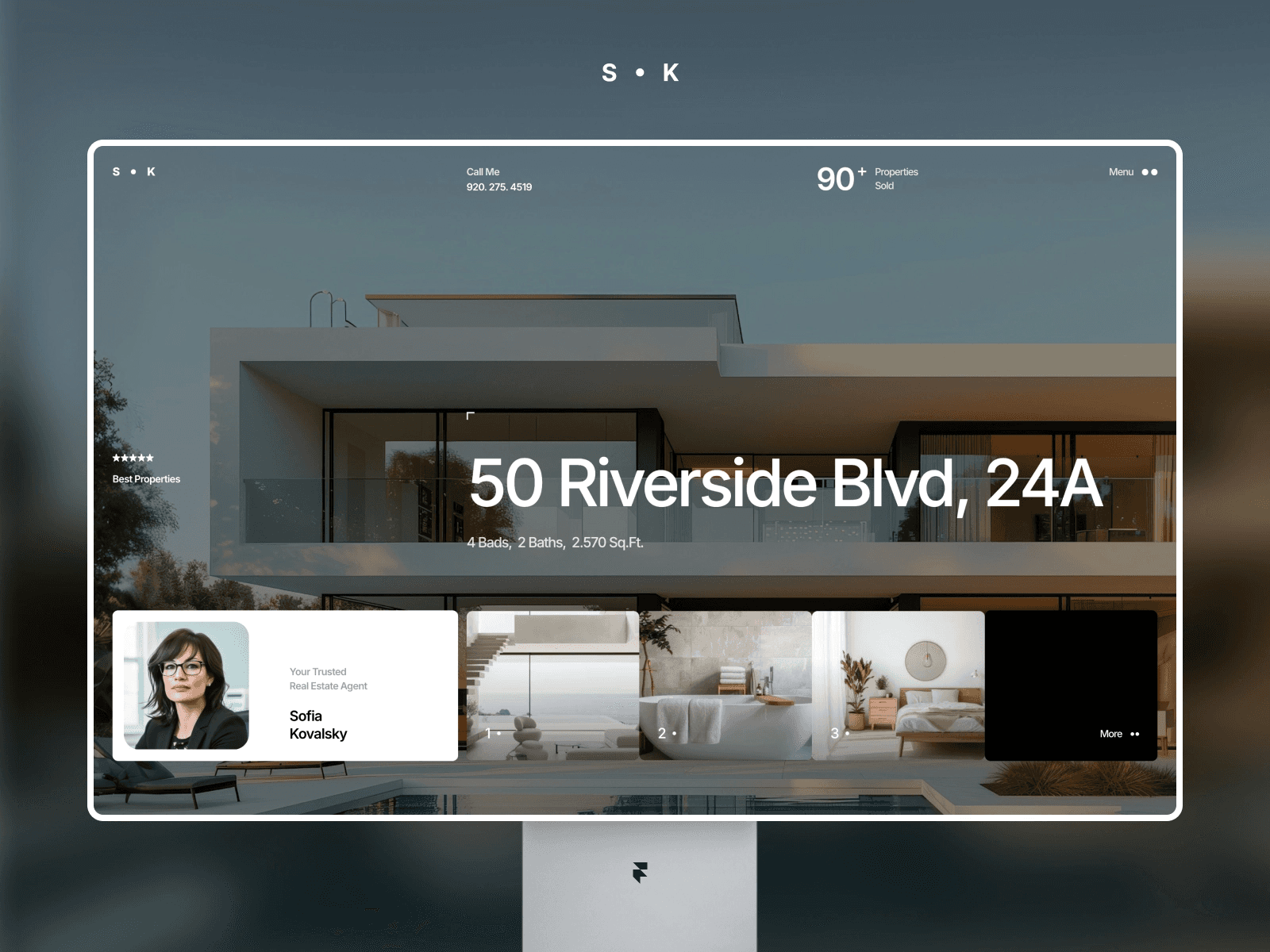
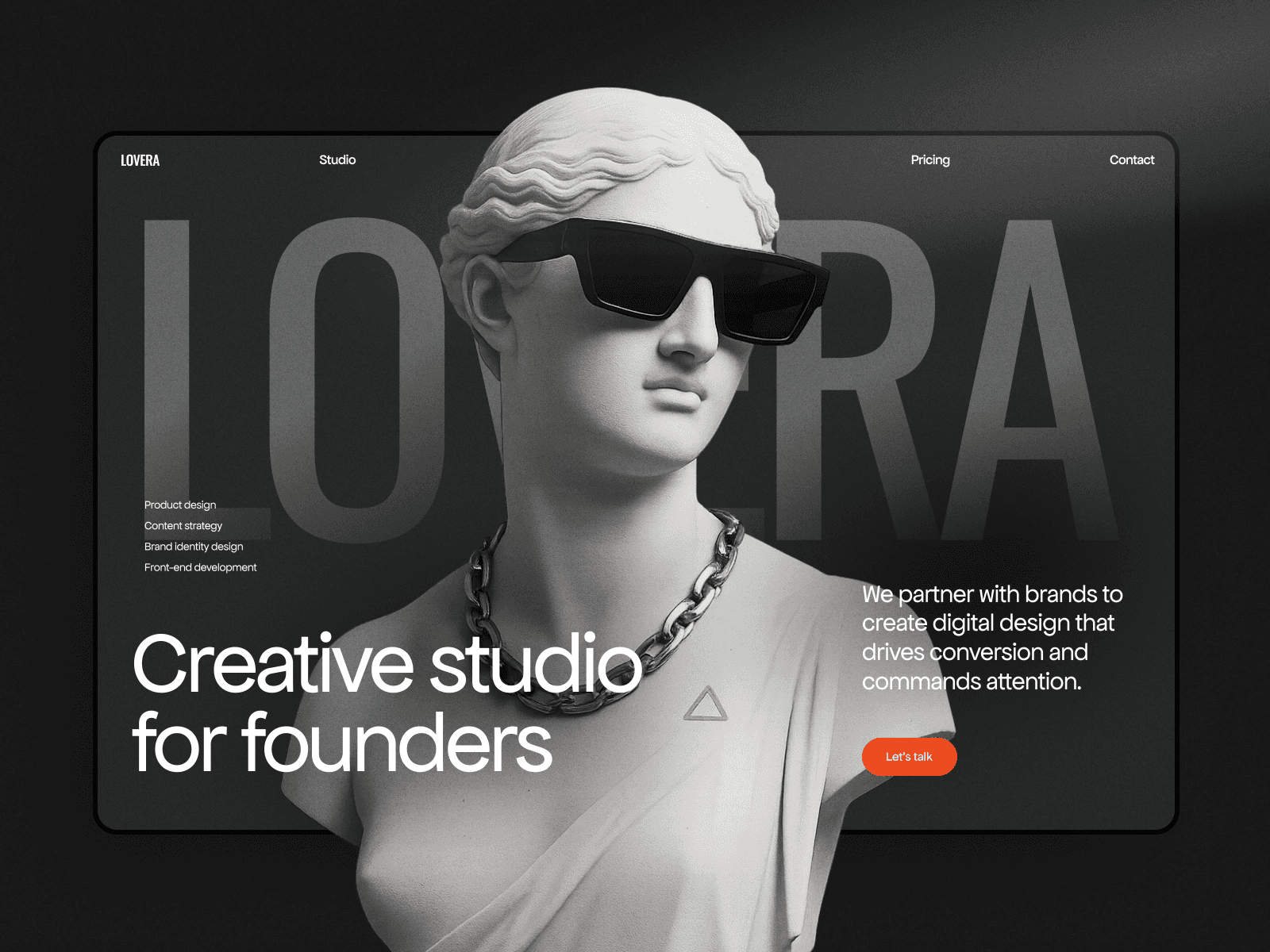
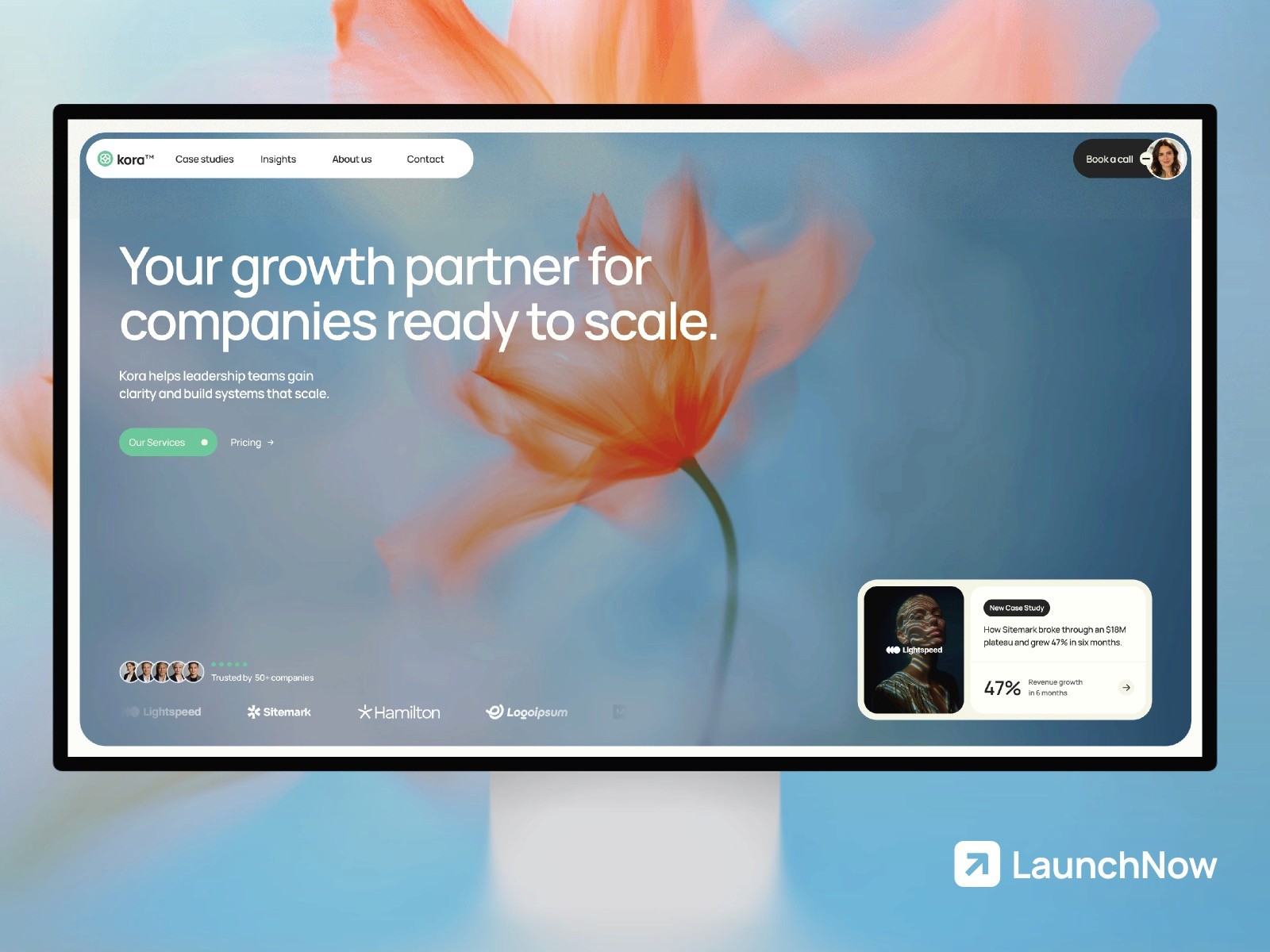
In 2026, building a website that reaches only your local audience is leaving revenue on the table. With Framer localization, you can expand your digital presence to multiple markets without the complexity of maintaining separate websites. This guide covers everything you need to know about creating a multi-language website that ranks globally and converts visitors in their native language.
Why Localization Is a Competitive Advantage in 2026
The digital landscape has fundamentally shifted. Gone are the days when a single English-language website could dominate global markets. Today's consumers expect to interact with brands in their native language, and search engines have evolved to reward websites that cater to international audiences.
Localization isn't just translation. It's the process of adapting your content, design, and user experience to different regions and languages. When done correctly, localization delivers three critical advantages: expanded global reach, improved search engine visibility, and increased customer trust.
Global Reach and Market Expansion
According to recent data, over 75% of internet users prefer to consume content in their native language. By implementing framer multi-language capabilities, you're immediately opening your website to billions of potential customers across different regions. A properly localized website can increase conversion rates by 40-80% compared to a single-language site, because visitors feel welcomed and understood.
International SEO Benefits
Framer international SEO becomes significantly more effective when your site supports multiple languages and regions. Search engines like Google prioritize localized content, meaning a French visitor is more likely to see your French-language page in their search results. This targeted visibility drives higher-quality traffic with better engagement metrics, which further improves your rankings across all language versions of your site.
Building Trust Across Borders
Customers are more likely to purchase from websites that respect their language and cultural preferences. A multilingual website signals that your brand is professional, established, and committed to serving diverse markets. This builds credibility and reduces friction in the customer journey, directly impacting conversion rates and customer lifetime value.
How Framer's Native Localization System Works
Framer's approach to framer localization stands apart from competitors because it's built directly into the platform, not bolted on as an afterthought. This native integration means localization works seamlessly with Framer's design system, CMS, and publishing infrastructure.
Unlike WordPress WPML plugins or Webflow's more limited localization features, Framer treats localization as a first-class citizen. Every page, component, and data collection is localization-ready. This architectural advantage means you can build a multilingual site with minimal technical overhead.
The Framer Localization Architecture
Framer's localization system is built on three core concepts: locales, locale tables, and dynamic content binding. A locale is essentially a language and region pair, such as English (US), French (France), or Spanish (Mexico). You define which locales your site supports, and Framer automatically creates language-specific versions of every page.
The platform uses locale tables to manage translated content at scale. Instead of manually entering translations on each page, you populate a centralized table with your original content and translations. Framer then dynamically displays the appropriate translation based on the visitor's locale, reducing content management overhead and ensuring consistency across your site.
Adding Languages: Locales, Locale Tables, and AI-Assisted Translation
Setting Up Your Locales
The first step in building a multi-language website with Framer is defining your target locales. This isn't just about language—it's about considering regional variations. English (US) and English (UK) might both be English, but search behavior and content preferences differ significantly. Similarly, Spanish (Spain) and Spanish (Mexico) have distinct cultural and linguistic nuances that affect how users engage with your content.
When selecting locales, start with markets where you have existing or potential customers. Analyze your website analytics to identify geographic clusters of traffic, then prioritize localization efforts in those regions. Most businesses see the best ROI by starting with 2-4 core locales and expanding gradually.
Populating Locale Tables
Framer's locale tables are where the magic happens. Rather than creating separate pages for each language, you maintain a single source of truth for content and manage translations in a structured table format. This approach has significant advantages: it ensures consistency, simplifies updates, and makes it trivial to add new languages later.
Each row in a locale table represents a content entry, and each column represents a locale. You fill in your default language content in the primary column, then add translations for each target locale. When a visitor accesses your site, Framer automatically selects the correct column based on their detected or selected language.
AI-Assisted Translation Features
One of Framer's significant advantages over Webflow and Squarespace is its built-in AI-powered translation assistance. Rather than manually translating every piece of content or paying expensive translation services, Framer can suggest translations powered by modern language models. While professional human review is always recommended for brand-critical content, this feature dramatically accelerates the localization process and reduces costs.
This AI-assisted approach works best for blog posts, product descriptions, FAQ sections, and other high-volume content. For homepage copy, taglines, and marketing messages, human translators familiar with your brand voice should review and refine the suggestions.
URL Structure for Multi-Language Sites
One of the most important technical decisions in framer localization is choosing your URL structure for different languages. This choice affects SEO, analytics, user experience, and server infrastructure. Framer supports multiple approaches, each with distinct advantages.
Subdirectory Structure (example.com/fr/, example.com/es/)
The subdirectory approach is Framer's recommended structure and the most SEO-friendly option for most businesses. In this setup, your default language lives at the root domain (example.com), while each additional language gets its own subdirectory (example.com/fr/ for French, example.com/es/ for Spanish).
This structure offers several advantages: all language versions benefit from your domain's authority and backlinks, it's easier to manage in Google Search Console, analytics are simpler to configure, and it clearly signals to search engines that these pages are related language variations of the same site. For most companies implementing framer multi-language websites, this is the ideal choice.
Subdomain Structure (fr.example.com, es.example.com)
Some organizations prefer subdomains, where each language lives on a separate subdomain. While this approach works technically, it has SEO drawbacks. Search engines treat subdomains as separate sites, meaning each language version must build its own authority and backlink profile. You'll lose the SEO advantage of your main domain authority being shared across languages.
Subdomains are best reserved for scenarios where you're truly targeting different businesses or markets (like having separate sites for different countries with different product lines). For a standard multilingual website serving a global audience with the same core offering, subdirectories are superior.
Country Code Top-Level Domains (ccTLDs)
Using different domains for different countries (example.fr for France, example.de for Germany) is the most expensive approach but offers maximum geographic targeting signals to search engines. This strategy makes sense only for large enterprises with significant budgets and distinct geographic markets. For most businesses, the complexity and cost don't justify the minimal SEO benefits over subdirectories.
International SEO: Hreflang Tags, Lang Attributes, and Optimization
Framer international SEO requires proper implementation of technical signals that tell search engines about your language and region targeting. Without these signals, search engines might not understand that you have multiple language versions, potentially causing indexing and ranking issues.
Implementing Hreflang Tags
The hreflang tag is the most critical signal for international SEO. This HTML attribute tells search engines that a page has alternative versions in different languages or regions. Framer automatically generates hreflang tags for your localized pages, but understanding how they work is crucial for troubleshooting and optimization.
An hreflang tag looks like this: <link rel="alternate" hreflang="fr" href="https://example.com/fr/" />. Each page in your multilingual site should include hreflang tags pointing to all language versions of that page, including a self-referential tag. Framer handles this automatically when you use its localization features correctly.
Language Attributes and HTML Markup
Beyond hreflang tags, your HTML should properly declare the language of each page using the lang attribute. For example, a French page should have <html lang="fr"> and a Spanish page should have <html lang="es">. This helps search engines and assistive technologies understand the content language and improves accessibility alongside SEO performance.
Framer automatically sets these language attributes when you configure locales, ensuring compliance with both SEO and accessibility standards. This attention to technical details is one reason Framer's approach to framer localization outpaces competitors.
Structured Data for International Sites
If your site includes schema markup (product data, reviews, organization information), make sure each localized version includes appropriate structured data in the correct language. This helps search engines understand and display your content properly in international search results. Framer's localization system integrates with dynamic content binding, making it straightforward to localize structured data alongside your visible content.
Auto-Locale: Automatic Language Detection by Visitor Region
One of the most user-friendly features of framer multi-language websites is automatic locale detection. Rather than forcing visitors to manually select their language, Framer can automatically detect their region and serve the appropriate language version.
How Auto-Locale Detection Works
Framer's auto-locale feature uses the visitor's geographic location (determined from their IP address) and browser language settings to automatically select the most appropriate locale. A French visitor arriving at your site will see the French version without clicking a single button. This seamless experience reduces friction and increases engagement.
The system respects user preferences too. If a visitor arrives at the French version but wants to switch to English, they can do so with a language selector. Framer remembers this preference, ensuring they see their chosen language on subsequent visits.
Fallback Behavior and Edge Cases
Auto-locale is smart about handling edge cases. If a visitor's location maps to a language you don't support, Framer falls back to a sensible default (typically your primary language). If a visitor's browser language setting indicates a locale you support but their geographic location suggests another, Framer uses a prioritization system that respects both signals.
This intelligent approach ensures that virtually every visitor sees a relevant version of your site, improving engagement and reducing bounce rates. Combined with proper international SEO implementation, auto-locale creates a user experience that competitors using Webflow or WordPress WPML struggle to match.
Content Management Across Multiple Languages
As your multilingual website grows, managing content across multiple languages becomes increasingly complex. Framer's architecture simplifies this challenge significantly, but understanding best practices for content workflows is essential.
Building a Localization-Friendly Workflow
The best approach is to create your content strategy with localization in mind from day one. Rather than building your site in English and then translating afterward, structure your content and components to accommodate multiple languages from the start. This means avoiding hardcoded text in images, using dynamic text that can be easily swapped, and designing layouts flexible enough to handle text expansion (some languages require 30% more space than English).
Framer's component system excels here. By building locale-aware components once, you can reuse them across your entire site. Text automatically adapts to the visitor's selected locale, images can be locale-specific, and layouts respond intelligently to different text lengths. This modular approach eliminates repetitive work and ensures consistency.
Team Collaboration and Translation Reviews
If your team includes non-native speakers managing translations, establish a review process with native speakers before publishing. Framer's CMS and collaboration features make it easy to assign translation review tasks. Build time into your project schedule for these reviews—automated translations rarely capture nuance, cultural context, and brand voice perfectly.
Consider creating a translation style guide specific to your brand. Should you use formal or informal language? How should you handle brand names and product terms? A clear style guide ensures consistency across languages and reduces back-and-forth during the review process.
Maintaining Consistency Across Locales
One major advantage of Framer's locale table approach is enforcing consistency. Since translations live in a structured table rather than scattered across dozens of pages, it's easy to identify when the same phrase has been translated inconsistently. Regular audits of your locale tables ensure that terminology remains uniform, strengthening brand recognition across languages.
Third-Party Translation Tools: Weglot, Linguana, and When to Use Them
While Framer's native localization is powerful, some businesses opt to supplement it with third-party translation services. Understanding when and how to use these tools alongside Framer's native features is important for making the right infrastructure choice.
Weglot Integration
Weglot is a popular translation service that can integrate with Framer sites. It works by intercepting page content and applying translations in real-time. The main advantage is that it requires minimal setup—you don't need to build locale tables or plan content structure ahead of time. Weglot handles the translation infrastructure automatically.
However, Weglot has notable limitations. It runs on top of Framer rather than being deeply integrated, resulting in slower performance compared to native localization. Machine-translated content often requires extensive human review. For large sites with high traffic, the monthly costs accumulate quickly. And critically, Weglot's real-time translation approach doesn't provide the same level of SEO control as Framer's native system.
Linguana and Other Professional Services
Services like Linguana offer human translation by native speakers, which is valuable for brands where quality is paramount. These services work best when combined with Framer's native localization system. You define your locales and locale tables in Framer, then hire professionals to populate the translations. This hybrid approach gives you the architectural benefits of Framer's native system with the quality assurance of professional translation.
When to Use Third-Party Tools vs. Framer Native Localization
Choose Framer's native localization system for: ambitious international SEO goals, sites where precise control over translations is critical, businesses that need locale-specific product variations or pricing, and organizations planning to scale to many languages over time. The native system provides superior SEO performance and long-term flexibility.
Consider third-party services for: rapid localization of existing sites without redesign, businesses with extremely limited budgets for localization infrastructure, or scenarios where you're adding a single language translation to an already-stable site. Be aware that third-party solutions won't match Framer's native performance and SEO capabilities.
For most growth-focused businesses in 2026, Framer's native localization combined with professional human translation for key content represents the optimal balance of quality, performance, and sustainability.
Framer Localization vs. Competitors
How does Framer's framer localization approach compare to other website builders? This comparison is crucial for businesses evaluating platforms.
Framer vs. Webflow
Webflow offers localization, but it's less integrated than Framer's native approach. Webflow requires more manual setup and doesn't have built-in locale tables for content management. Managing multiple languages in Webflow feels more like maintaining separate projects rather than variations of one site. Performance is also a consideration—Framer's native approach delivers faster page loads than Webflow's JavaScript-heavy architecture, which matters for international SEO rankings. For businesses serious about global expansion, Framer provides a cleaner, more performant solution.
Framer vs. WordPress with WPML
WordPress WPML is the most popular plugin-based localization solution, and it's certainly powerful. However, it requires extensive configuration, plugin bloat affects performance, and ongoing maintenance adds complexity. Framer delivers comparable localization functionality without plugin dependencies, with better performance, and with significantly faster setup. For agencies and freelancers who understand WordPress deeply, WPML works fine. For business owners and modern design-first teams, Framer is more practical.
Framer vs. Squarespace
Squarespace offers basic localization for simple use cases but lacks the sophistication for serious international expansion. There are no locale tables, limited customization, and poor international SEO tooling. If you're considering Squarespace for a multilingual site, Framer outperforms it substantially. Framer is particularly superior if you need your multilingual website to rank well internationally—Squarespace simply isn't designed for that priority.
Why Framer Leads in 2026
Framer's advantage stems from treating localization as a core platform feature rather than an afterthought. The result is tighter integration, better performance, and more sophisticated content management than competitors. Combined with the platform's modern design system, no-code approach, and focus on developer experience, Framer is the clear leader for businesses taking international expansion seriously.
If you're building a new site and international reach is a goal, Framer should be your first choice. If you already have a site on another platform and are struggling with localization, migrating to Framer often makes business sense.
Best Practices for Framer Multilingual Success
Beyond the technical features, successful framer multi-language implementation requires attention to strategy and execution details.
Content-First Design Thinking
Design your site structure with content expansion in mind. Some languages require significantly more space than English—German and Polish can expand by 20-30%. Design flexible layouts that accommodate text variation without breaking. Use relative sizing, avoid hardcoded text widths, and test your site with longer text strings before publishing.
Region-Specific Customization Beyond Translation
True localization goes beyond translation. Consider regional preferences in color, imagery, payment methods, currency, date formats, and even product selection. A brilliant feature for your German market might be irrelevant in Indonesia. Framer's localization system supports conditional rendering based on locale, enabling you to customize the entire experience per region, not just translate text.
Monitoring Performance Across Locales
Set up analytics and monitoring to track performance across each language version independently. Which locales drive the most traffic? Which convert best? This data informs where to invest additional localization effort and content resources. Track Core Web Vitals per locale—international SEO depends on fast page loads, and performance can vary by region based on infrastructure and visitor device types.
Regular Content Maintenance
Localization isn't a one-time project—it's ongoing. When you update content in your primary language, make sure translations are updated simultaneously. Outdated translations in one language while your primary language is current creates inconsistency and erodes trust. Build content updates into your workflow with locale table updates as a required step.
Getting Started with Framer Localization
Ready to build your first multilingual website? Here's the roadmap:
1. Define Your Locales: Research your target markets. Identify 2-4 locales to start. Choose subdirectory structure (recommended for SEO).
2. Plan Your Content: List all text content that needs translation. Separate user-facing content from configuration text. Use Framer's AI suggestions to get rough translations, then plan human review.
3. Build Locale Tables: Create Framer locale tables for your dynamic content. Start with your most important pages and content sections.
4. Implement Technical SEO: Verify that Framer has correctly generated hreflang tags. Check Search Console to ensure all language versions are indexed. Set language targeting in Search Console settings.
5. Test and Launch: Use browser language settings to test each locale. Verify auto-locale detection works correctly. Test on mobile devices across different regions.
6. Monitor and Iterate: Track analytics per locale. Monitor rankings in each language. Gather user feedback on translation quality and iterate.
For detailed SEO implementation, review the Framer SEO guide. If you're choosing your initial site template, the guide on choosing the right template can help ensure your base design supports localization. Don't overlook the importance of implementing an accessibility checklist across all language versions—accessibility improves both user experience and SEO. And if you're building for small business, explore small business templates that come with localization-friendly structures.
Conclusion: Global Reach, Built Into Your DNA
In 2026, going global is no longer a luxury reserved for large enterprises. With Framer's native localization system, any business can build a sophisticated, high-performing multilingual presence. The combination of native architecture, locale tables, AI-assisted translation, and superior international SEO capabilities makes Framer the platform of choice for ambitious brands.
The businesses winning globally in 2026 aren't the ones with the most resources—they're the ones making thoughtful localization decisions early. They're choosing platforms designed for international expansion, investing in quality translations, and optimizing for each market's unique characteristics. By implementing framer localization properly, you position your business to capture customers worldwide, build genuine trust across cultures, and expand your addressable market dramatically.
Start with a single additional language, validate that the approach works for your business, then expand to additional markets. Framer makes this journey straightforward, removing the technical complexity that traditionally made multilingual sites difficult to manage. Your global audience is waiting—it's time to speak their language.