Why Website Accessibility Matters for Your Business in 2026
Website accessibility has evolved from a nice-to-have feature into a business necessity. As we enter 2026, small business owners face a critical reality: over 4,600 digital accessibility lawsuits were filed in 2023 alone, and that number continues to grow. Whether your business has 15 employees or 150, creating an inclusive online experience isn’t just about legal compliance—it’s about reaching more customers and building a sustainable brand. In this guide, we’ll walk you through everything small businesses need to know about making their websites accessible, compliant, and welcoming to everyone.
Understanding WCAG 2.2 Level AA and Why It Matters
The Web Content Accessibility Guidelines (WCAG) 2.2 Level AA is now the gold standard for website accessibility in 2026. This set of standards ensures that websites are usable by everyone, including people with disabilities affecting vision, hearing, motor skills, and cognitive abilities. WCAG 2.2 builds on previous versions by addressing modern web experiences, including mobile accessibility and emerging technologies.
For small businesses, achieving WCAG 2.2 Level AA compliance means your site meets the same rigorous standards expected by the largest corporations. The good news? You don’t need to overhaul everything at once. Implementing accessibility is a program, not a project—it’s an ongoing commitment to continuously improve the user experience for all visitors. Start with high-impact changes and build from there.
If your business has 15 or more employees, you’re already subject to ADA Title III regulations that require digital accessibility. But even smaller businesses should prioritize compliance, as the legal and reputational risks of inaccessible sites continue to increase. Beyond legal protection, accessible websites perform better in search rankings, have lower bounce rates, and create more loyal customers.
The 30/70 Rule: Why Automated Tools Aren’t Enough
Many small business owners assume that running their website through an accessibility checker like WAVE, axe, or Lighthouse will solve all problems. The reality is more nuanced. Automated testing tools catch roughly 30% of accessibility issues, while the remaining 70% require manual testing and human judgment. This gap matters because some of the most critical barriers to access can only be discovered through real user testing with people who have disabilities.
Automated tools excel at catching technical issues: missing alt text, low color contrast, empty form labels, and improper heading structure. But they can’t evaluate whether alt text is actually descriptive enough, whether your navigation makes sense to a screen reader user, or whether your color choices work for people with color blindness. The most successful accessibility strategies combine automated testing with manual review and real-world testing with assistive technology users.
If you’re building with modern tools, platforms like Framer provide clean HTML output and semantic markup that gives you a head start. Their structured approach to design means your site already follows many accessibility best practices out of the box. However, you’ll still want to layer on your own testing and review to catch that critical 70% of issues.
Keyboard Navigation: The Foundation of Accessibility
Keyboard navigation is the cornerstone of an accessible website. Not everyone can use a mouse—some users rely entirely on keyboards, others use voice control software that simulates keyboard navigation, and some use specialized hardware. Every interactive element on your site—buttons, links, form fields, and modal windows—must be fully operable from the keyboard alone.
Start by testing your own site: can you navigate through every page using only the Tab key? Can you activate buttons and links with the Enter key? Can you see a clear focus indicator showing which element is currently active? If you’re struggling to navigate your site with the keyboard, so are your disabled users.
Tab order matters too. Elements should receive focus in a logical order that matches the visual layout. If tabbing through your contact form jumps around randomly, users will get confused and frustrated. Most modern website builders handle tab order automatically, but it’s worth testing yourself. Forms should tab from top to bottom, navigation should be logical, and your skip-to-main-content link should be the first focusable element when someone tabs into your page.
Color Contrast, Alt Text, and Visual Design
Visual accessibility extends far beyond just meeting technical standards. Color contrast ensures that text and important elements are readable by everyone, including the 1 in 12 men and 1 in 200 women with color blindness. WCAG 2.2 Level AA requires a contrast ratio of at least 4.5:1 for normal text and 3:1 for large text. This might sound technical, but tools like Lighthouse can measure it automatically.
Never use color alone to communicate information. If you’re showing status with red and green, add icons or text labels. If you’re highlighting important text, use bold or italics in addition to color. This ensures that users with color blindness, low vision, or grayscale displays still get the full message.
Alt text is another critical piece of the accessibility puzzle. Every image should have a brief, descriptive alt text that explains what the image conveys. This text appears when images don’t load and is read aloud by screen readers. Bad alt text says “image.jpg” or “photo of team.” Good alt text says “Our marketing team collaborating on Q1 campaign strategy.” The goal isn’t to describe every pixel; it’s to communicate the purpose and meaning of the image. For decorative images, use empty alt text (alt=“”) so screen readers skip them.
Forms, Labels, and User Input
Forms are often where accessibility breaks down. Every form field needs a properly associated label that screen readers can connect to the input. Placeholder text alone isn’t sufficient—placeholders disappear when users start typing, leaving them confused about what the field is for. Use the HTML label element paired with the for attribute to create that connection.
Form validation is another area where accessibility matters. If a user makes an error, tell them clearly what went wrong and how to fix it. Don’t just highlight a field in red; include descriptive error messages that explain the issue. For example: “Email address must contain an @ symbol” is far more helpful than “Invalid email.”
When you’re designing forms, keep them simple and linear. Group related fields together, use appropriate input types (like type=“email” for email fields), and provide clear instructions for any fields with specific formatting requirements. Testing your forms with a screen reader and keyboard-only navigation is essential—forms are where many users get stuck if they’re not properly structured.
Heading Structure and Semantic HTML
Your website’s heading structure serves as a roadmap for screen reader users. Think of headings as an outline: you should have one h2 on each page (or one h1 if that’s your main heading), followed by h3 tags for subheadings, then h4s for sub-subheadings, and so on. Users can jump between headings to scan your page content, so a logical, hierarchical structure is essential.
Avoid skipping heading levels—don’t jump from h2 directly to h4. This confuses screen reader users about the content structure. Use headings to organize your content meaningfully, not just to style text. If you need large text, use CSS styling on a paragraph tag; don’t use a heading tag just for the appearance.
Semantic HTML in general—using tags like header, nav, main, and footer—helps both assistive technology and search engines understand your site’s structure. If you’re using a modern site builder like Framer that produces clean, semantic HTML, you’re already ahead. The semantic markup helps with SEO too, so accessibility and search optimization go hand in hand.
Video Captions and Multimedia Accessibility
If your website includes videos, captions and transcripts are non-negotiable. Video captions aren’t just for people who are deaf or hard of hearing; they also help in noisy environments and are beneficial for SEO since search engines can’t understand video content directly. The captions should include not just dialogue but also sound descriptions like [door slams] or [upbeat music plays].
Audio content needs transcripts. If you have a podcast or audio interview on your site, provide a full transcript. This makes content accessible to deaf users, searchable by search engines, and more valuable to all your visitors who might want to reference specific sections later.
For video content, consider adding audio descriptions for users who are blind or have low vision. Audio descriptions are a separate audio track that describes important visual elements of the video. While this requires additional effort, it can be a game-changer for reaching a wider audience.
Mobile Accessibility and Responsive Design
Mobile accessibility is increasingly important as more users browse on smartphones and tablets. Ensure your site is responsive and functions perfectly on all screen sizes. Buttons should be large enough to tap (at least 48x48 pixels), text should be readable without zooming, and users should be able to zoom in if they need to.
Mobile keyboards and voice control create unique accessibility challenges. Your site should work seamlessly whether someone is using a physical keyboard, an on-screen keyboard, or voice commands. Test your forms, navigation, and interactive elements on mobile devices with these different input methods.
If you want a deeper dive into responsive design principles, check out our guide on mobile website design and why mobile-first matters. Many of the same principles that make websites mobile-friendly also support accessibility.
Testing Tools and Building Your Accessibility Program
Start your accessibility journey with these free or low-cost tools: WAVE identifies color contrast and alt text issues, axe provides comprehensive accessibility audits, and Lighthouse (built into Chrome DevTools) evaluates performance and accessibility together. These tools are your first line of defense for catching that 30% of obvious issues.
But remember, automated testing is just the beginning. Create a sustainable accessibility program by:
1. Training your team: Everyone involved in your website—designers, developers, content creators, and marketers—needs to understand accessibility basics. This doesn’t require becoming an expert; it means building awareness into your workflow.
2. Testing with real users: When possible, involve people with disabilities in your testing. Their real-world experience will reveal issues that no automated tool could catch. User testing is invaluable for discovering how actual people interact with your site.
3. Regular audits: Accessibility isn’t a one-time checkbox. Plan quarterly or bi-annual accessibility reviews to catch issues that accumulate over time, especially when you add new content or features.
4. Documentation: Keep records of accessibility decisions, testing results, and known issues. This documentation helps your whole team stay accountable and makes it easier to prioritize improvements.
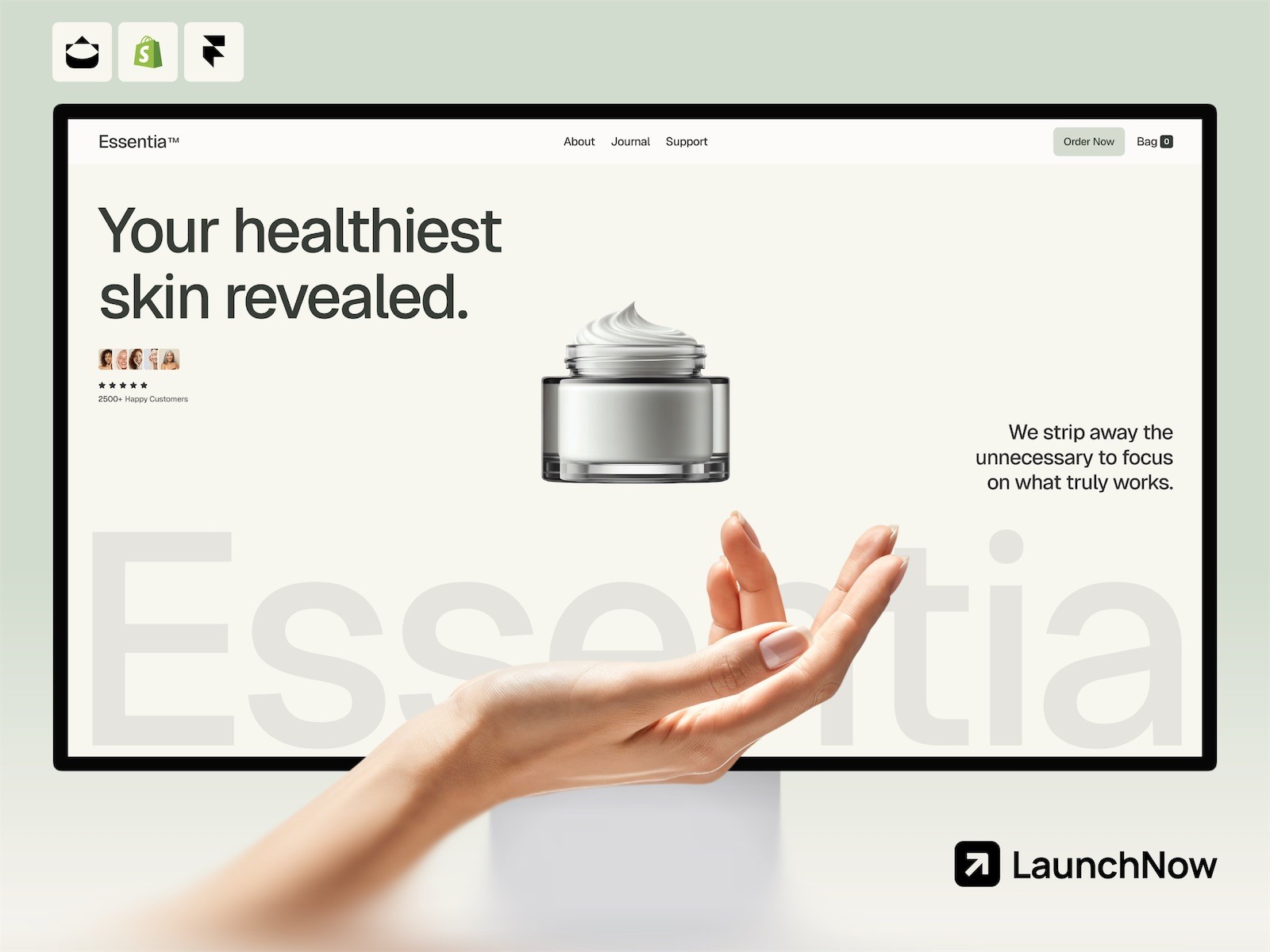
If you’re using Framer to build or redesign your website, you’re starting with a solid foundation. The platform’s approach to clean code and semantic markup simplifies accessibility compliance. Combined with the template collection available at /templates, which includes designs like Essentia (perfect for business sites) and Axiom (for modern professional designs), you can launch an accessible website quickly.
Accessibility and Web Performance: A Winning Combination
Here’s an often-overlooked fact: accessibility and web performance improvements overlap significantly. Many changes that improve accessibility also speed up your site. For instance, better semantic HTML structure reduces file size, fewer JavaScript-dependent interactions mean faster interactions, and optimized images improve both loading time and accessibility.
When you optimize your site for accessibility, you’re often simultaneously improving your SEO and performance. For more on this intersection, see our comprehensive guide to website performance optimization. The same principles that make your site fast and search-friendly also make it inclusive for users with disabilities or older devices.
In 2026, sustainability and accessibility are converging trends. Fast, efficient, semantically clean websites consume less bandwidth and power—better for the environment—while being more accessible to more users. It’s a win-win scenario that smart businesses are leveraging.
The Business Case for Website Accessibility
Accessibility compliance protects you from legal risk, but the business benefits go far deeper. Accessible websites reach a larger audience: approximately 1 in 4 adults in the US have some type of disability. That’s 26% of your potential customer base. Many of these users actively seek out accessible websites and remain loyal to brands that welcome them.
Accessible sites also rank better in search results. Google’s algorithms favor sites with proper heading structure, clear navigation, alt text, and fast load times—all hallmarks of accessible design. If you want to improve your SEO, read our complete guide to SEO optimization for more strategies that complement accessibility improvements.
From a conversion standpoint, accessible sites tend to have lower bounce rates and higher engagement. When users can navigate your site easily, find the information they need, and complete forms without frustration, they’re more likely to become customers. For more on this, check out our guide on improving website conversion rates.
Building an Accessible Site: Your 2026 Action Plan
Start where you are. If your site already exists, conduct an accessibility audit using WAVE or axe to identify major issues. Prioritize fixes based on impact: keyboard navigation and alt text for images should come first, as these affect the most users.
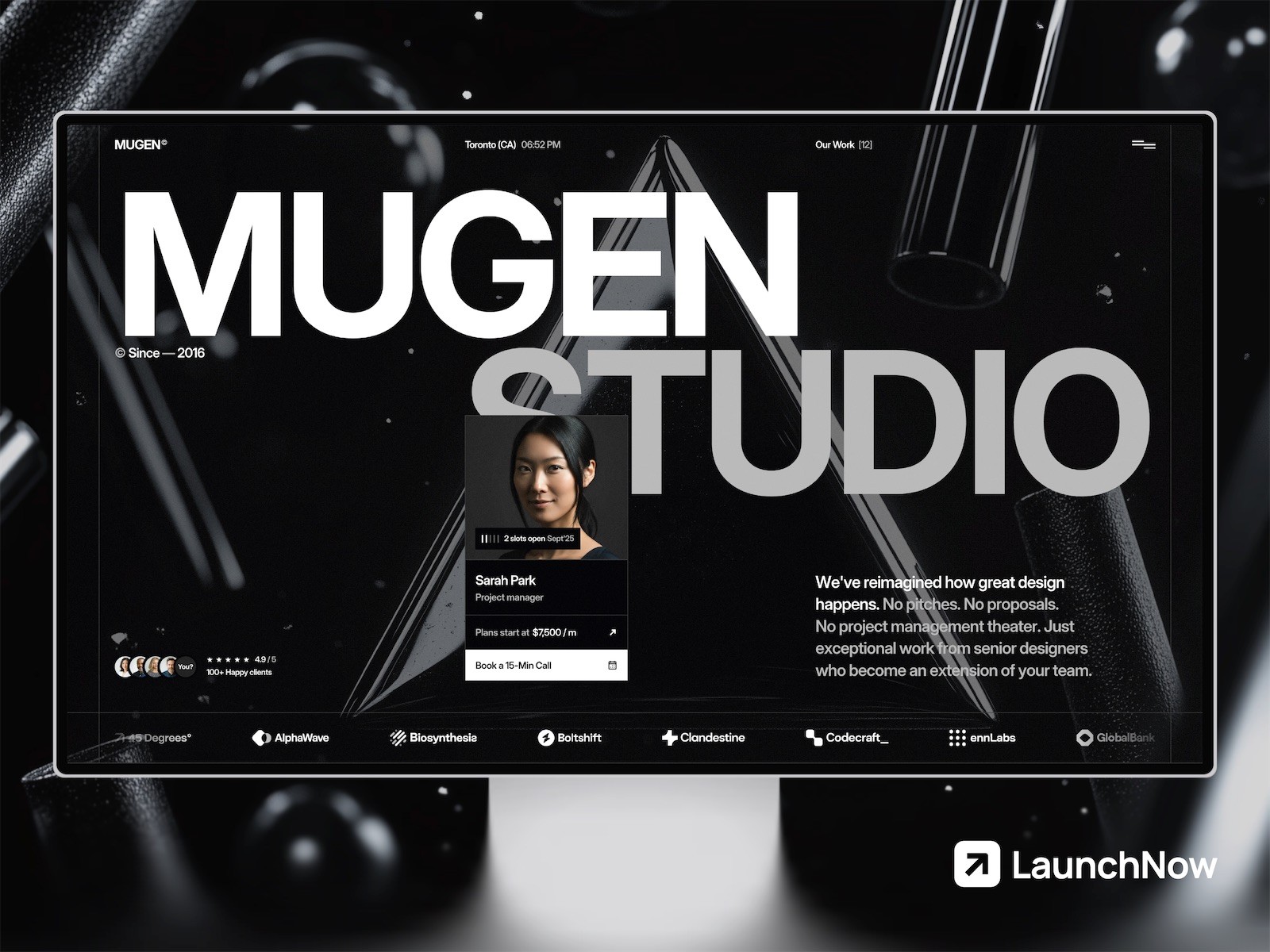
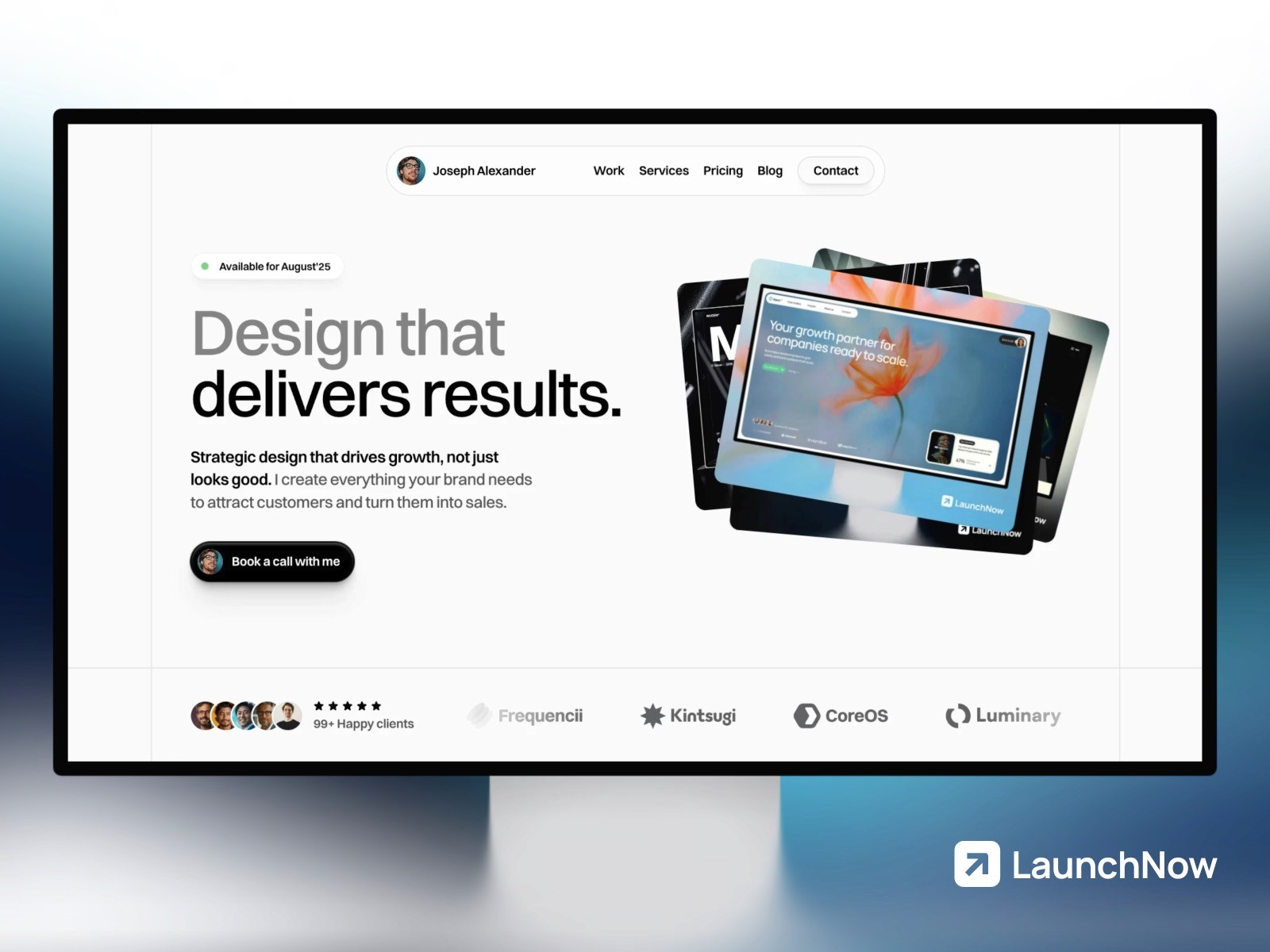
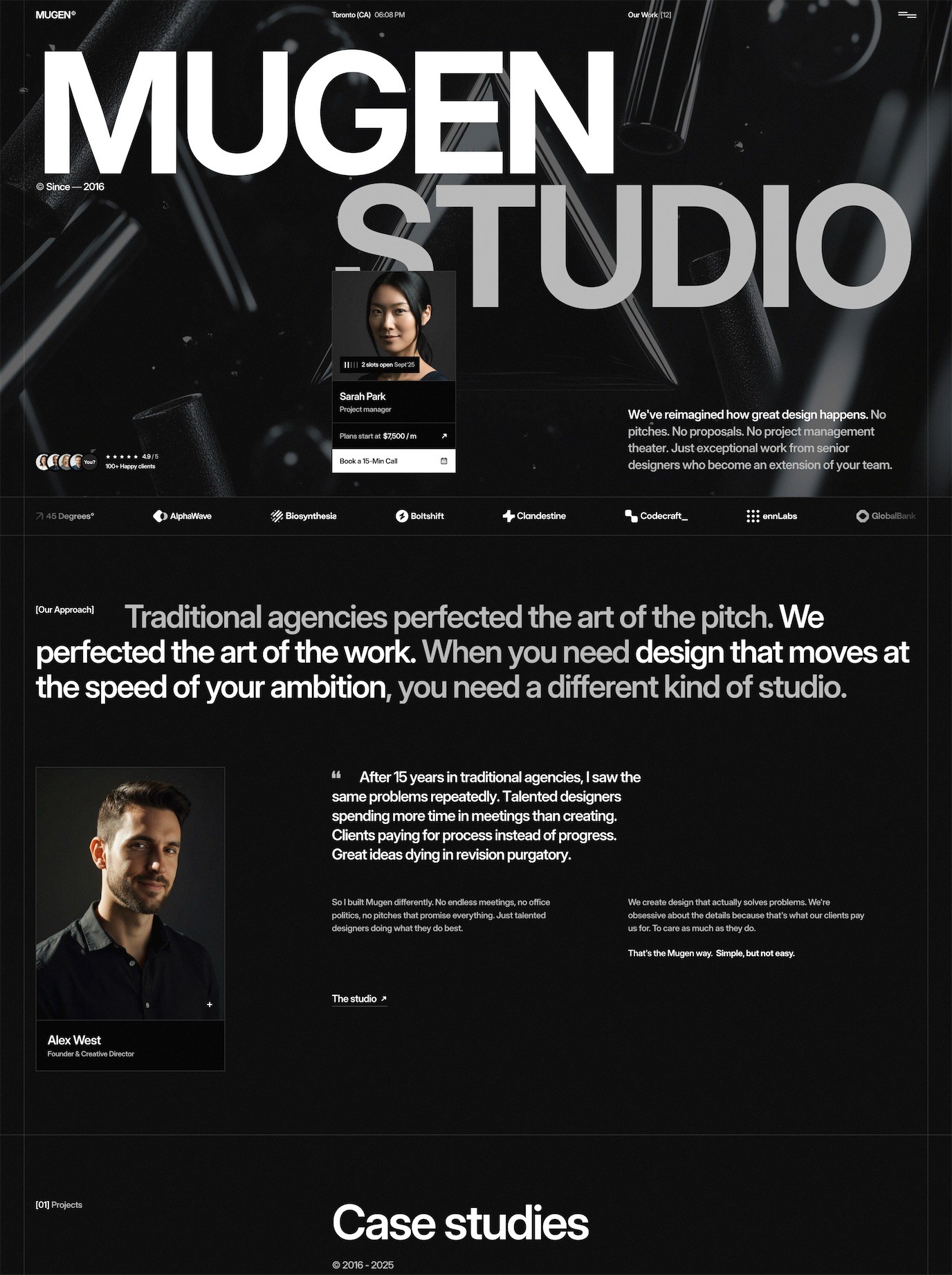
If you’re building a new site, embed accessibility into your process from the start. Use templates and tools designed with accessibility in mind. The LaunchNow template collection includes designs that prioritize accessibility, like Launchfolio for portfolios and Mugen for creative studios.
Remember: accessibility is not a one-time project but an ongoing commitment. Set accessibility goals, measure progress, and celebrate wins. Train your team, test regularly, and listen to feedback from users about their experience with your site.
By making your website accessible in 2026, you’re not just protecting your business legally—you’re expanding your reach, improving your SEO, enhancing user experience for everyone, and positioning your brand as one that cares about inclusion. That’s a competitive advantage worth investing in.