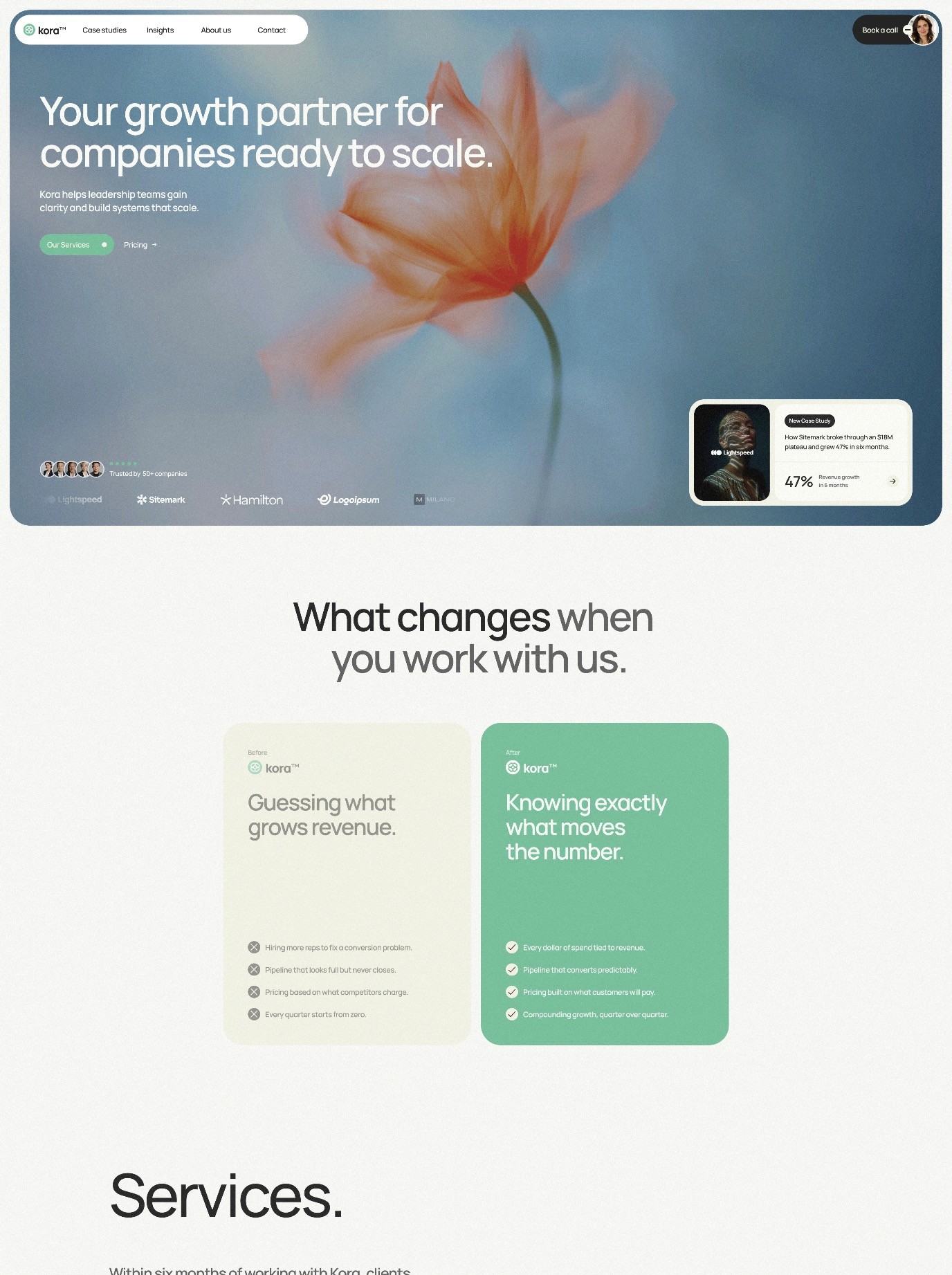
How AI Is Transforming Web Design in 2026: Tools, Trends, and What It Means for Your Business
AI web design has moved from concept to reality. In 2026, artificial intelligence isn’t just another buzzword in the design world—it’s fundamentally changing how websites are built, optimized, and personalized. From automated layout generation to real-time user experience optimization, AI is becoming the creative partner designers never knew they needed. The transformation isn’t about replacing designers; it’s about empowering them with tools that handle repetitive tasks, unlock new possibilities, and let human creativity shine brighter than ever.
The State of AI in Web Design Today
The numbers tell a compelling story. Recent data shows that 41% of businesses now use AI for website creation, while 70% of advanced adopters leverage AI tools to streamline their design workflows. These aren’t just early adopters experimenting with new technology—they’re businesses recognizing that AI-powered design tools deliver measurable results in faster deployment, better user experiences, and improved conversion rates.
What’s changed in 2026 is the sophistication of these tools. AI has moved beyond simple automation to agentic intelligence—systems that can complete multi-step design tasks autonomously, make contextual decisions, and adapt to changing project requirements without constant human intervention. This shift is significant because it addresses one of the biggest pain points in web design: the time spent on repetitive, predictable tasks.
Understanding Agentic AI in Design Workflows
Agentic AI represents the next frontier in intelligent design assistance. Unlike traditional automation that follows rigid rules, agentic systems can understand project goals, evaluate multiple options, and take autonomous action across several steps to achieve desired outcomes. In practical terms, this means an AI system might analyze your brand guidelines, examine your competitor landscape, evaluate user behavior patterns, and then automatically generate layout variations—all without you having to specify each step.
For web designers, this is transformative. Instead of spending hours on layout exploration, you can focus on refining concepts, making strategic creative decisions, and ensuring the design truly resonates with your target audience. Platforms like Framer have begun integrating these capabilities, allowing designers to work at a higher conceptual level while the AI handles the detailed execution work.
Framer Leads the Way: AI-Powered Design Platform
When evaluating AI web design tools, Framer stands out as a platform that understands the designer-AI relationship. Rather than positioning AI as a replacement for design judgment, Framer integrates intelligent features that enhance the creative process while maintaining designer control and creative direction.
Framer’s approach includes built-in AI features that suggest responsive layouts, help with component organization, and provide intelligent shortcuts for common design patterns. More importantly, Framer recognizes that designers need flexibility—the ability to accept AI suggestions, modify them, or reject them entirely in favor of custom approaches.
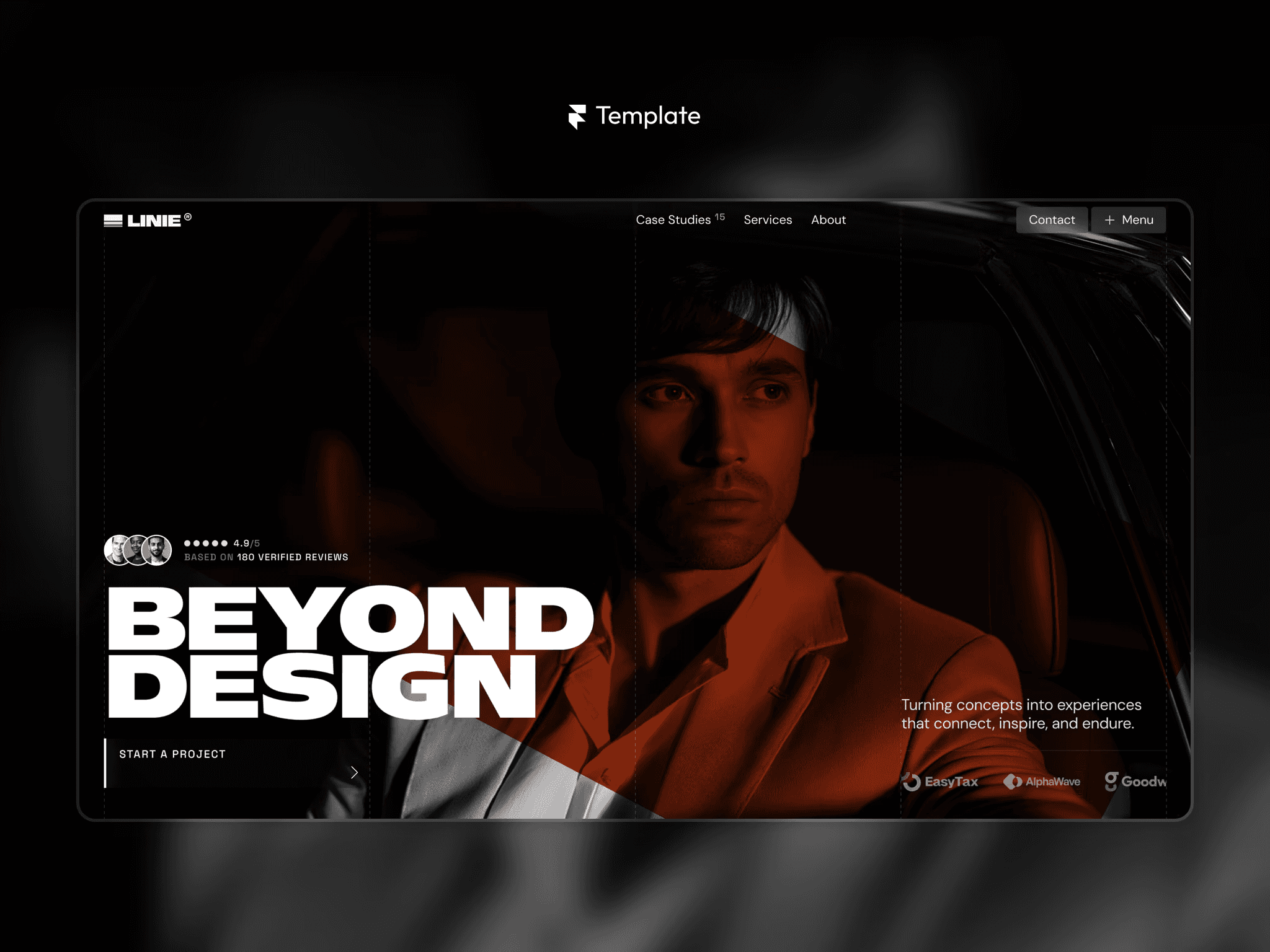
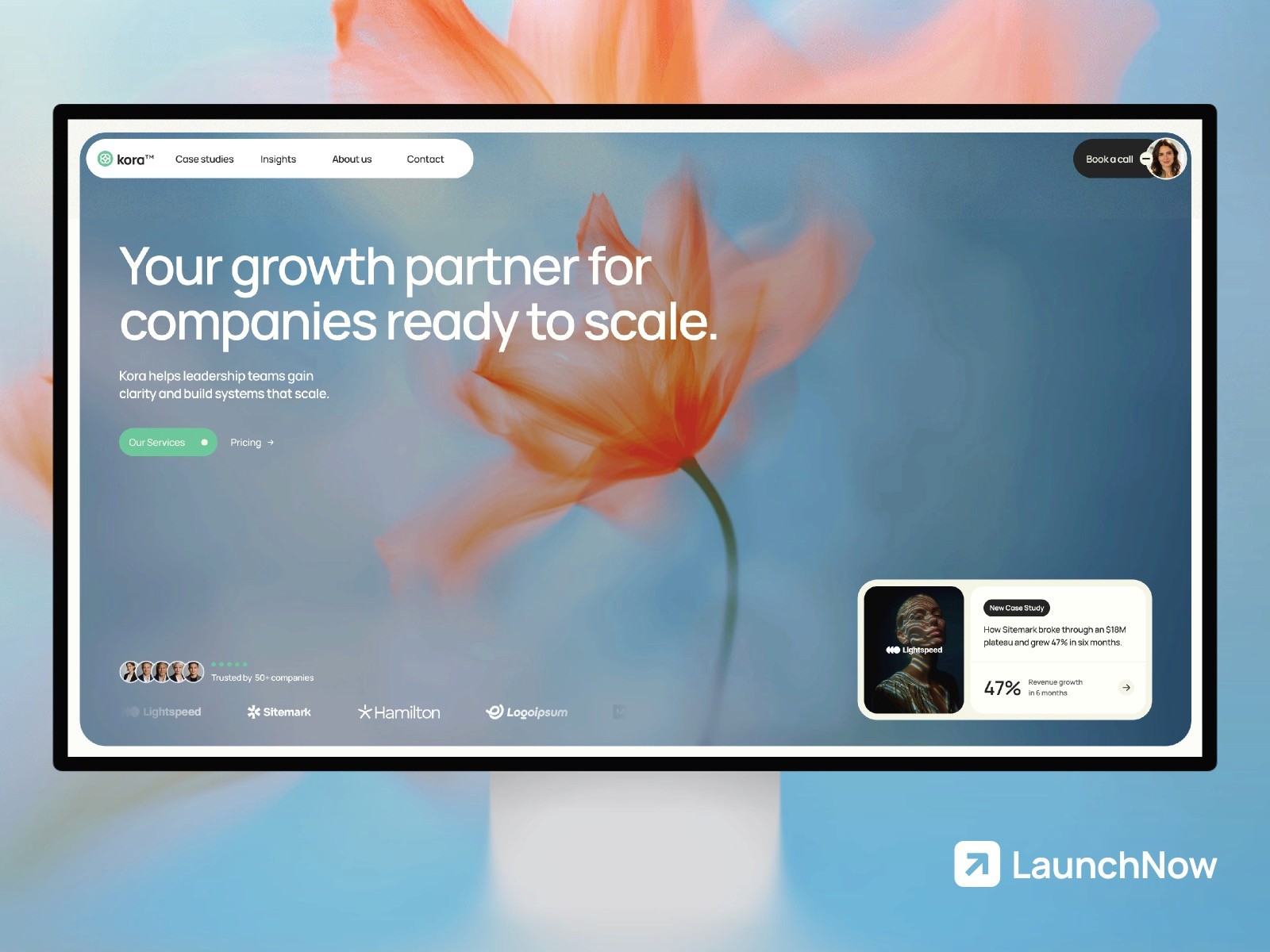
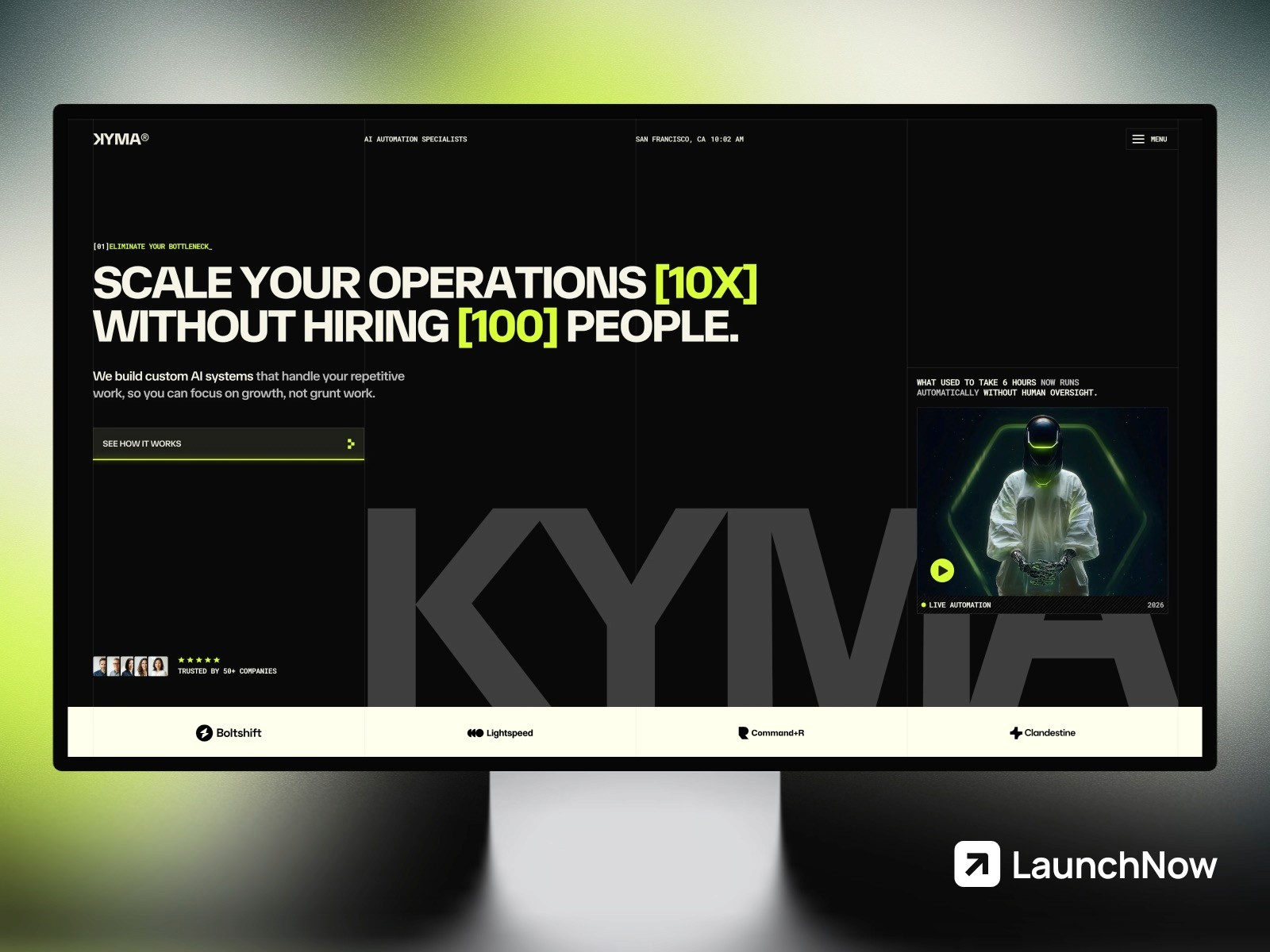
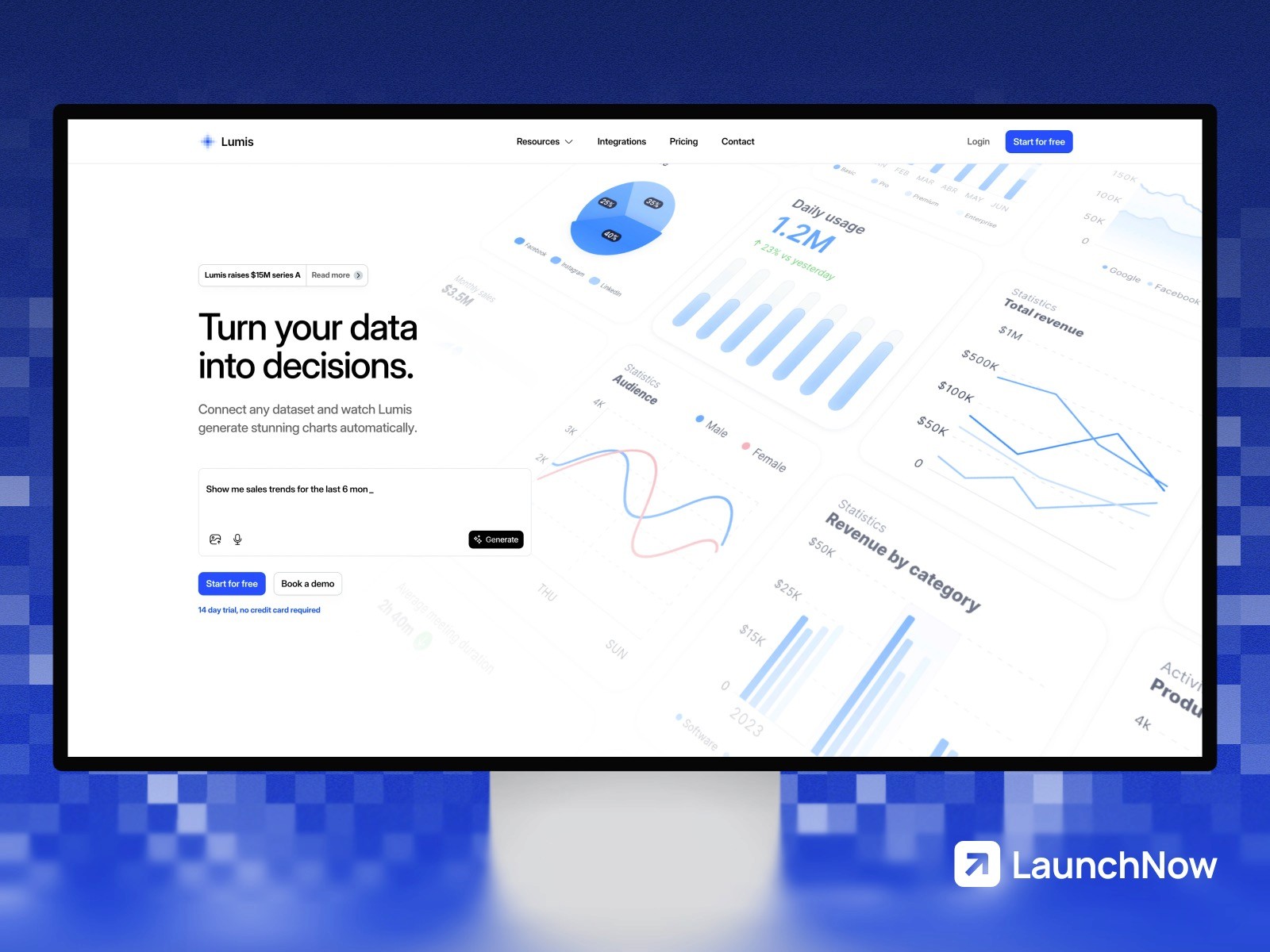
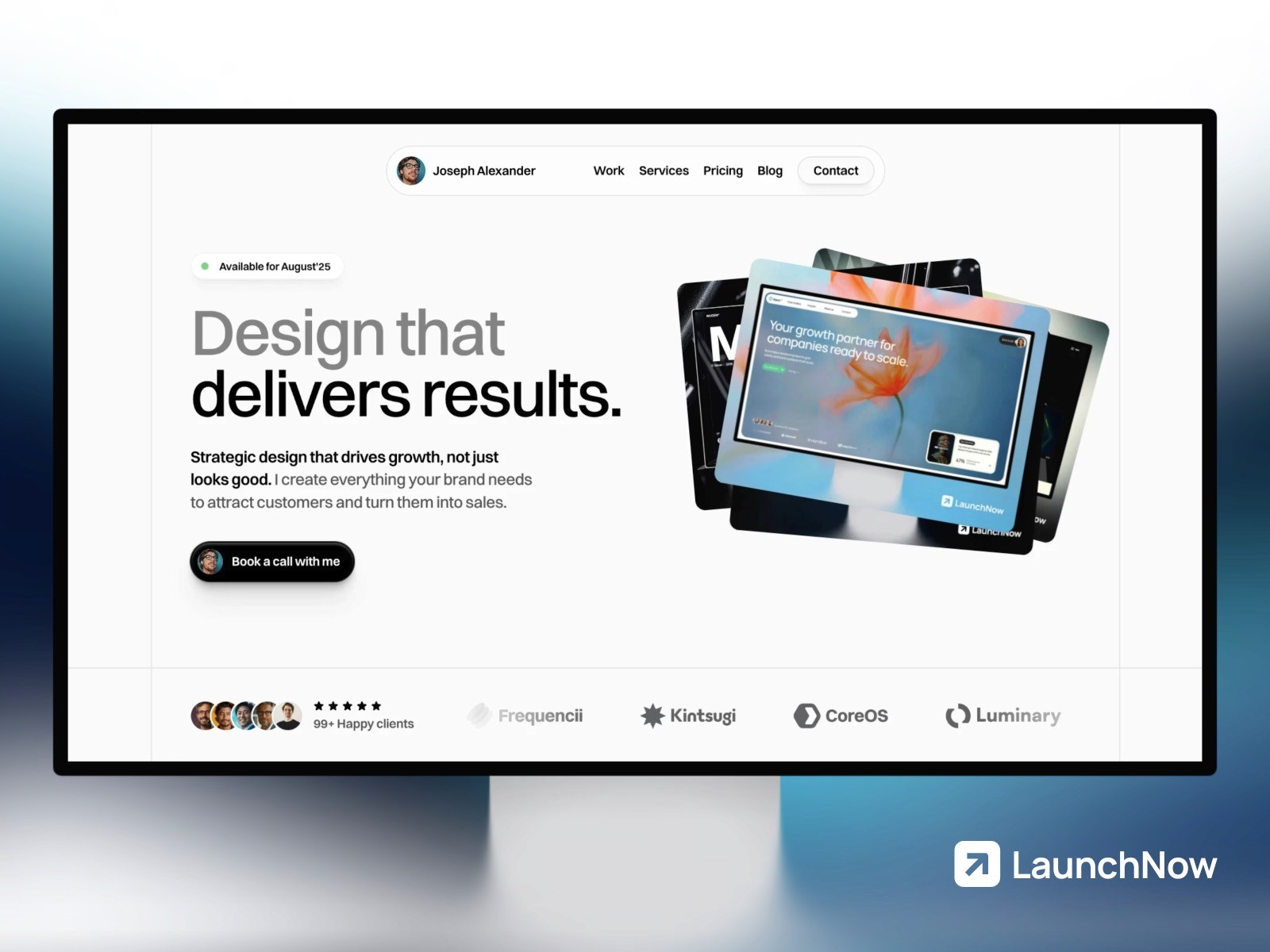
For those starting new projects, Framer offers LaunchNow templates—professionally designed, ready-to-customize starting points that dramatically accelerate website development. These aren’t generic templates cobbled together from various sources; they’re specifically designed for Framer. The collection includes:
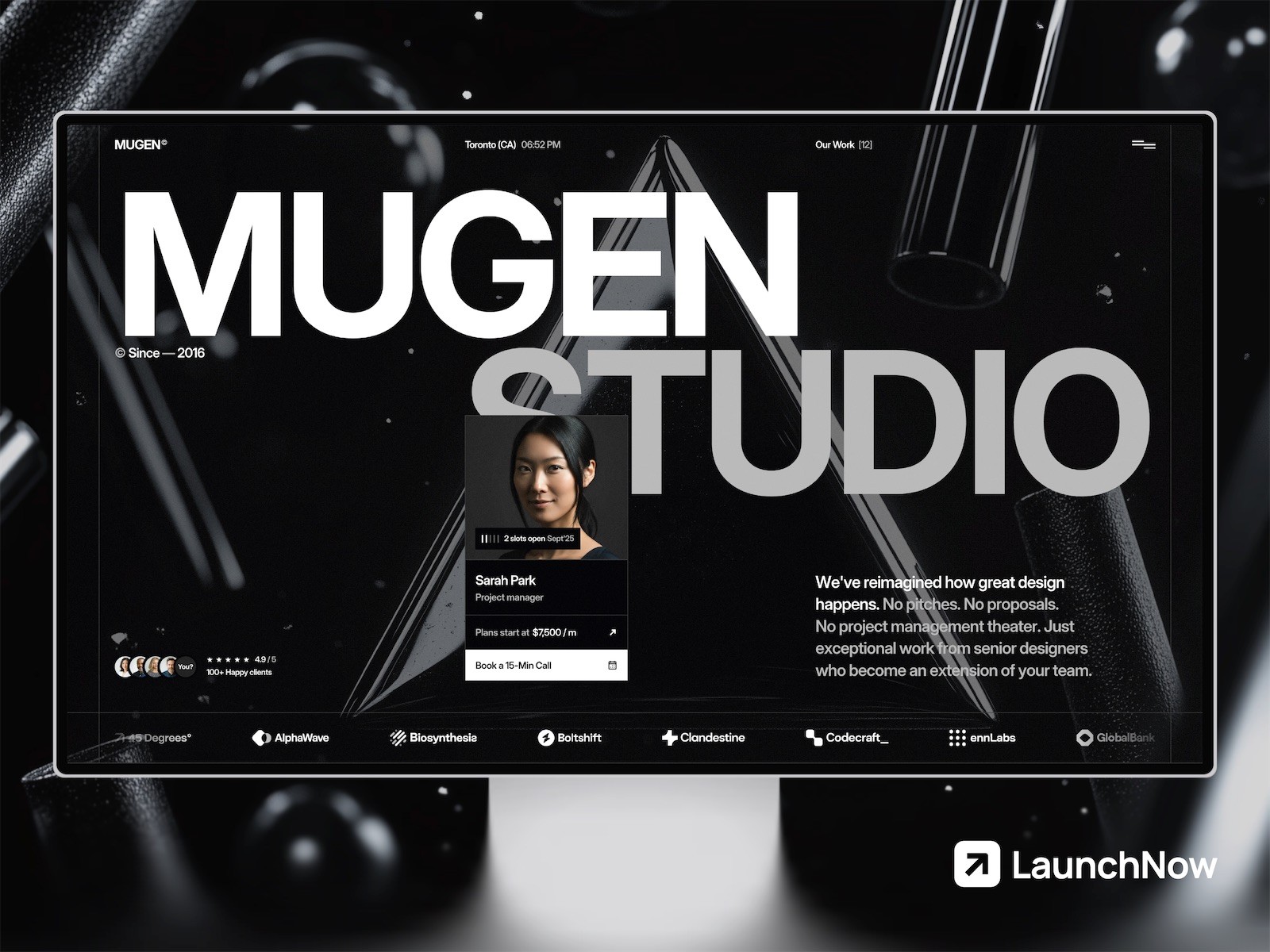
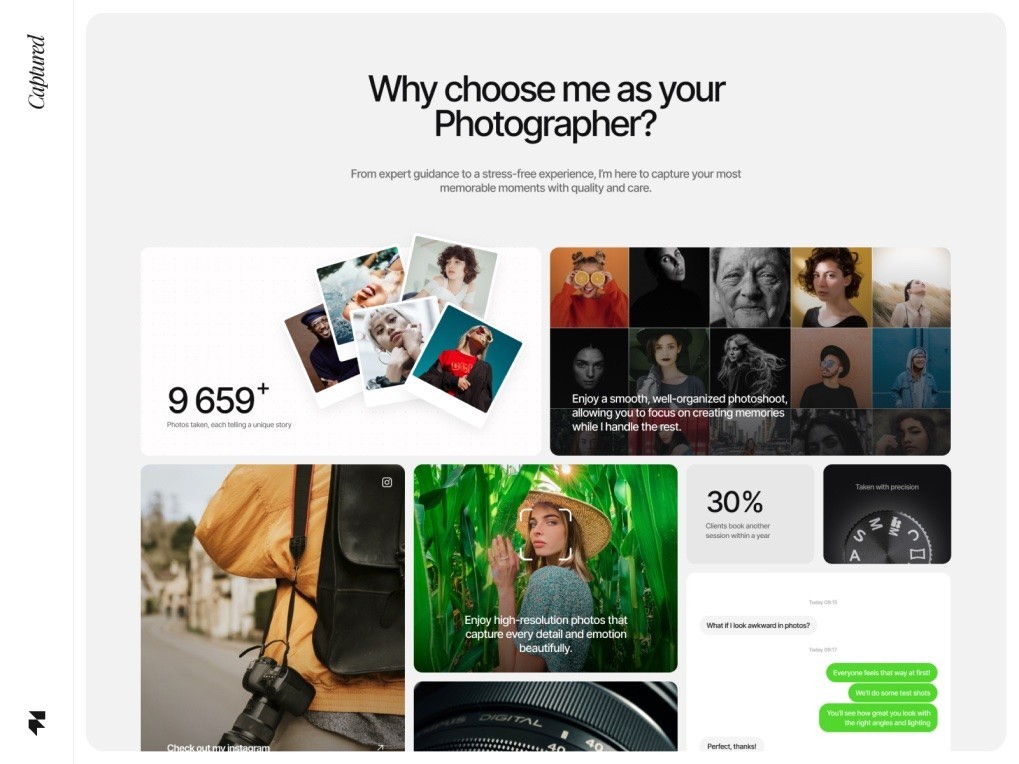
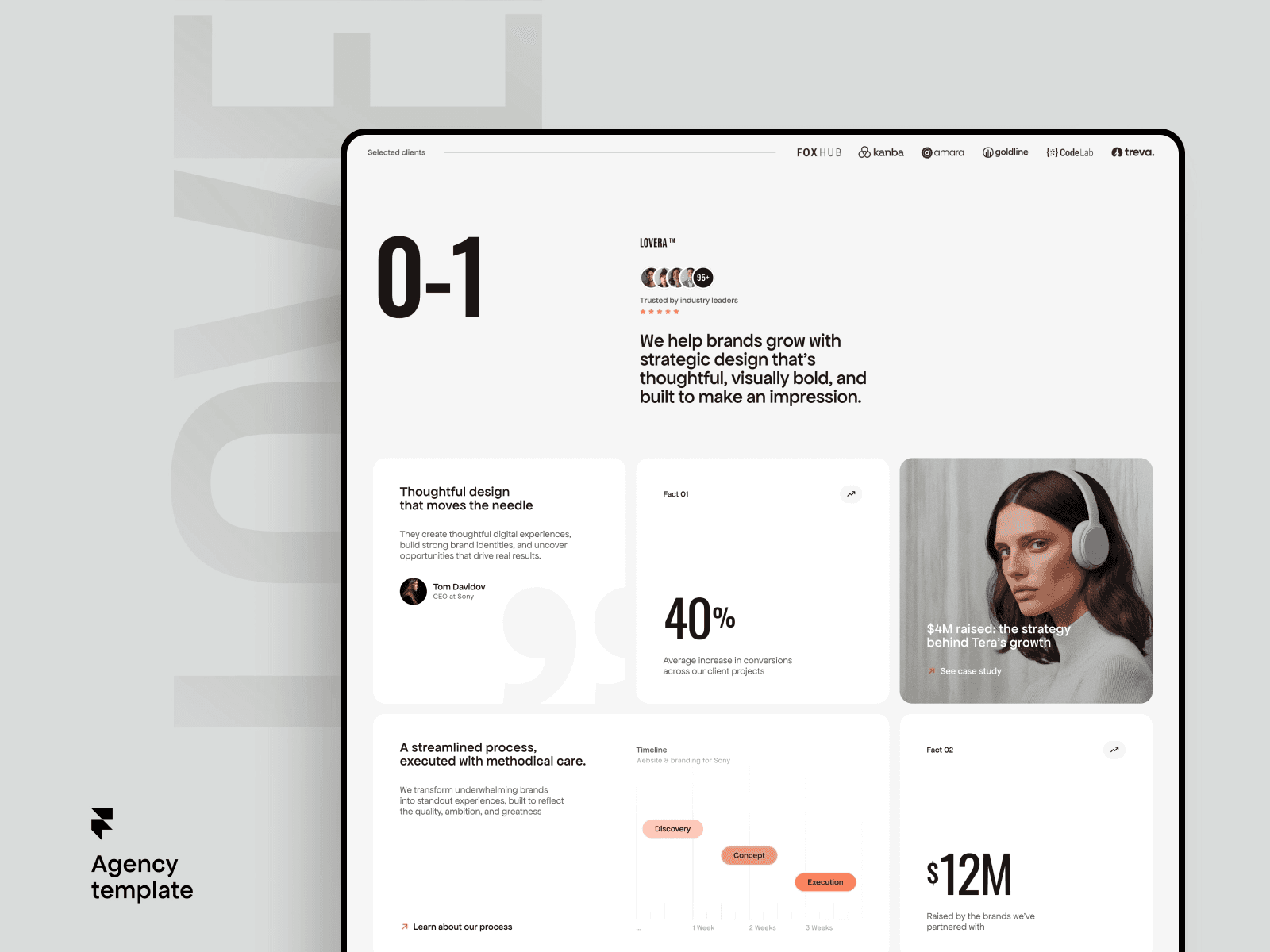
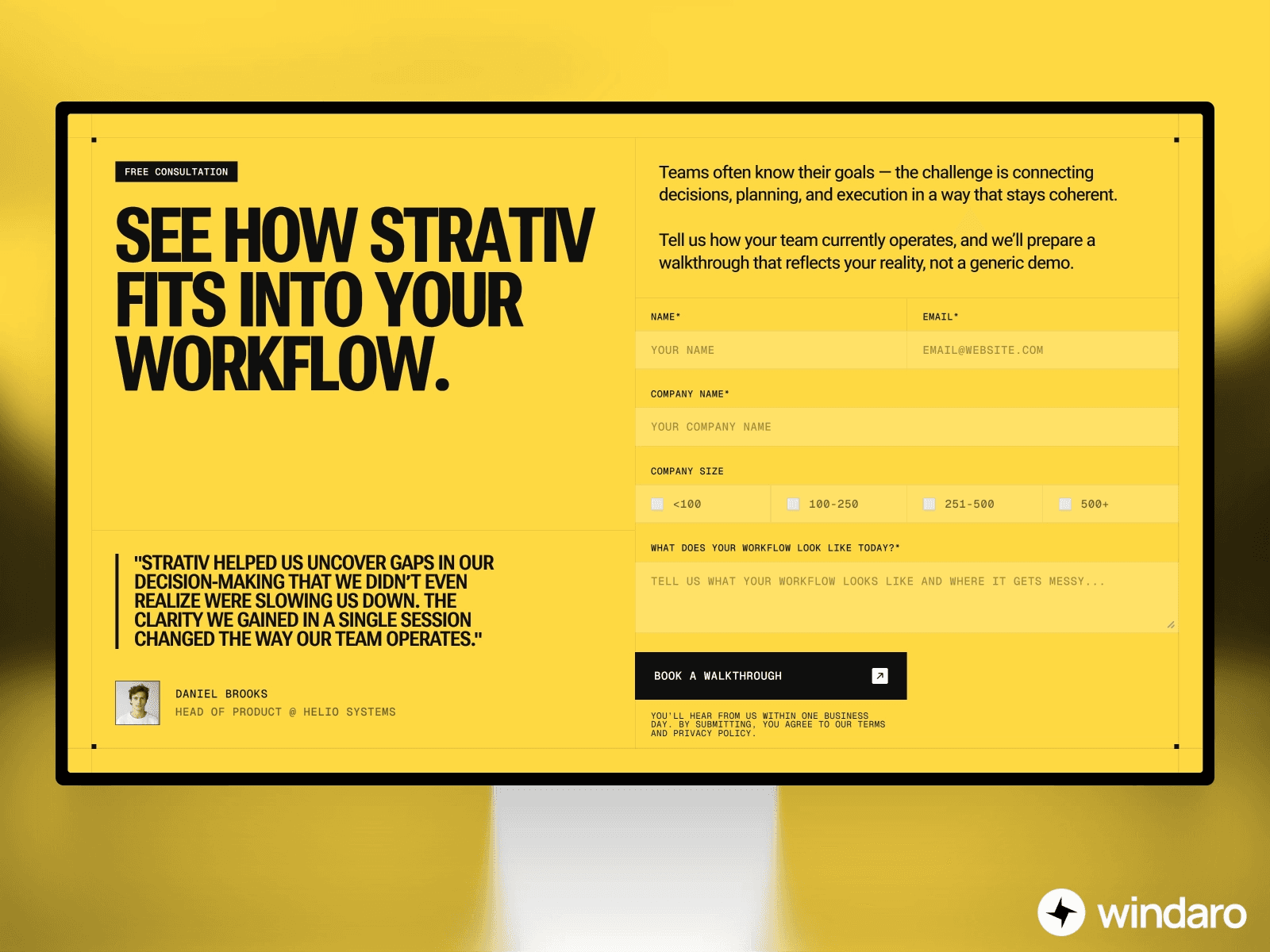
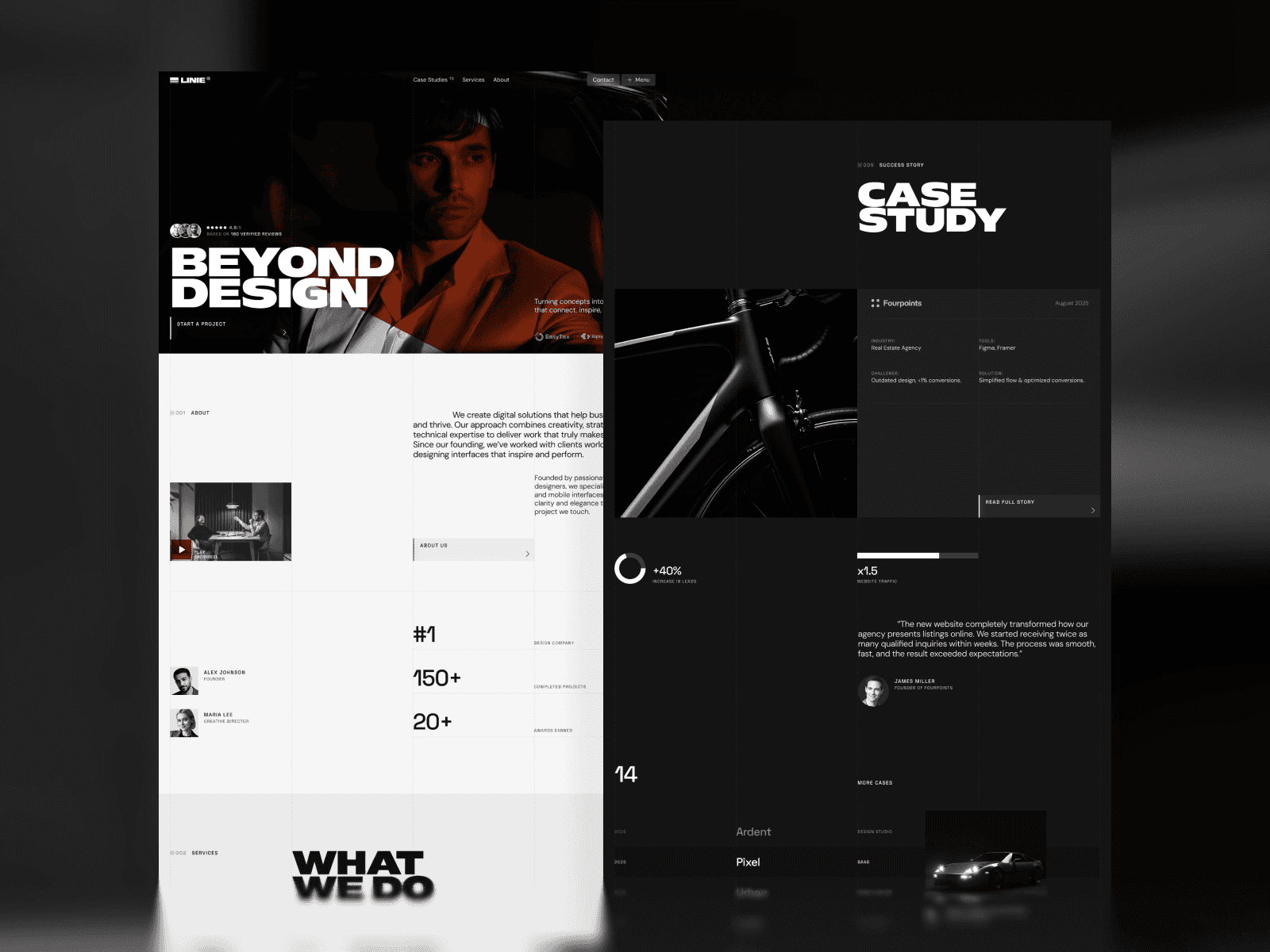
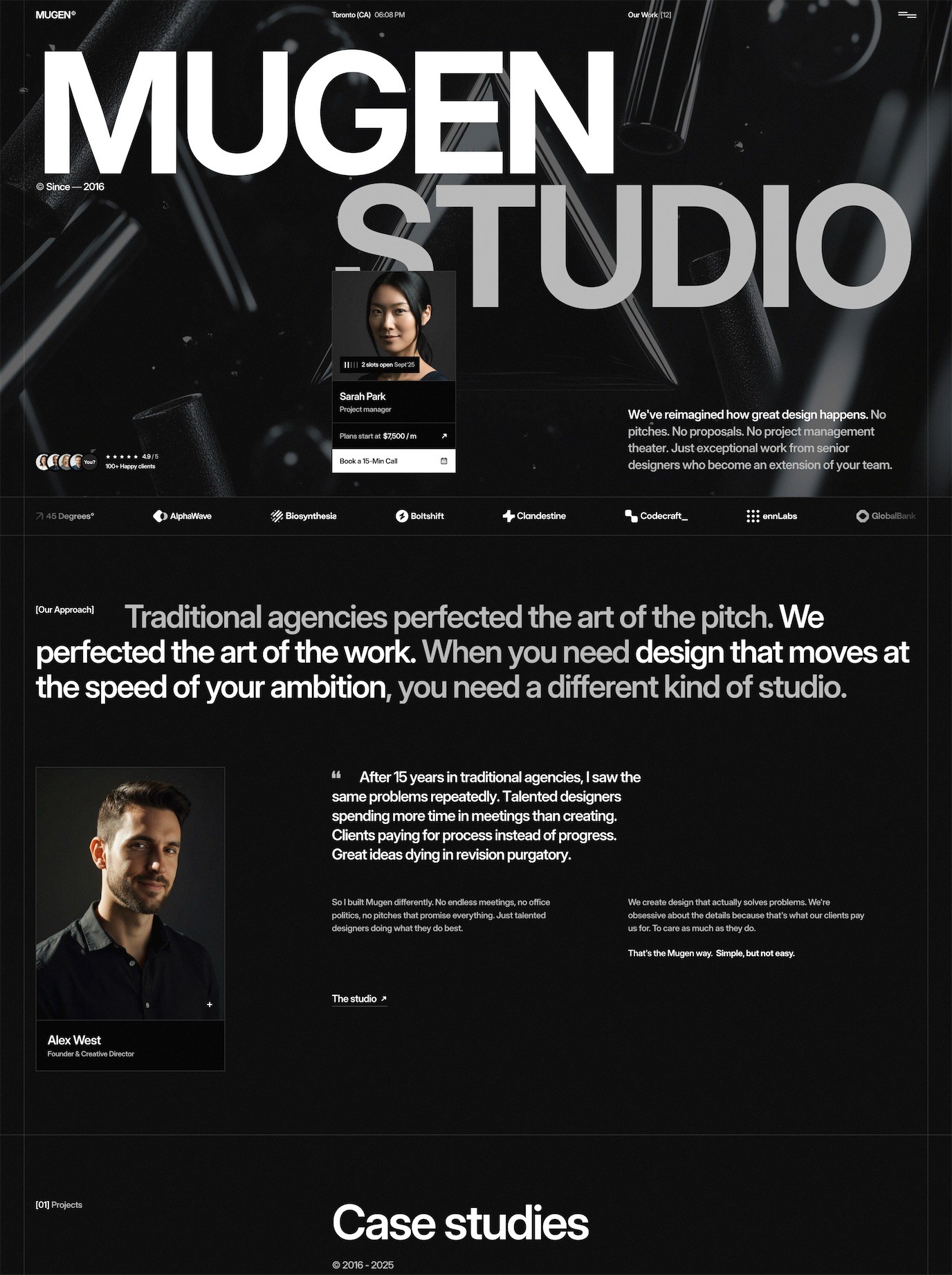
Mugen (at /templates/mugen) for creative studios and agencies looking to showcase their work with striking visuals. Essentia (at /templates/essentia) for business and product sites that need professional credibility and clear messaging. Axiom (at /templates/axiom) for modern businesses wanting contemporary design without starting from scratch. Launchfolio (at /templates/launchfolio) for portfolios and personal brands. The complete collection is available at /templates.
What matters here is being clear: these LaunchNow templates are Framer templates. They’re designed to work within Framer, customizable using Framer’s native tools, and starting points for building your website in Framer specifically. They provide the professional foundation you need within Framer, where you then apply design refinements and customizations using Framer’s powerful editor.
Design Trends Shaping 2026
The visual direction of web design in 2026 reveals several clear trends that are reshaping what users expect from digital experiences:
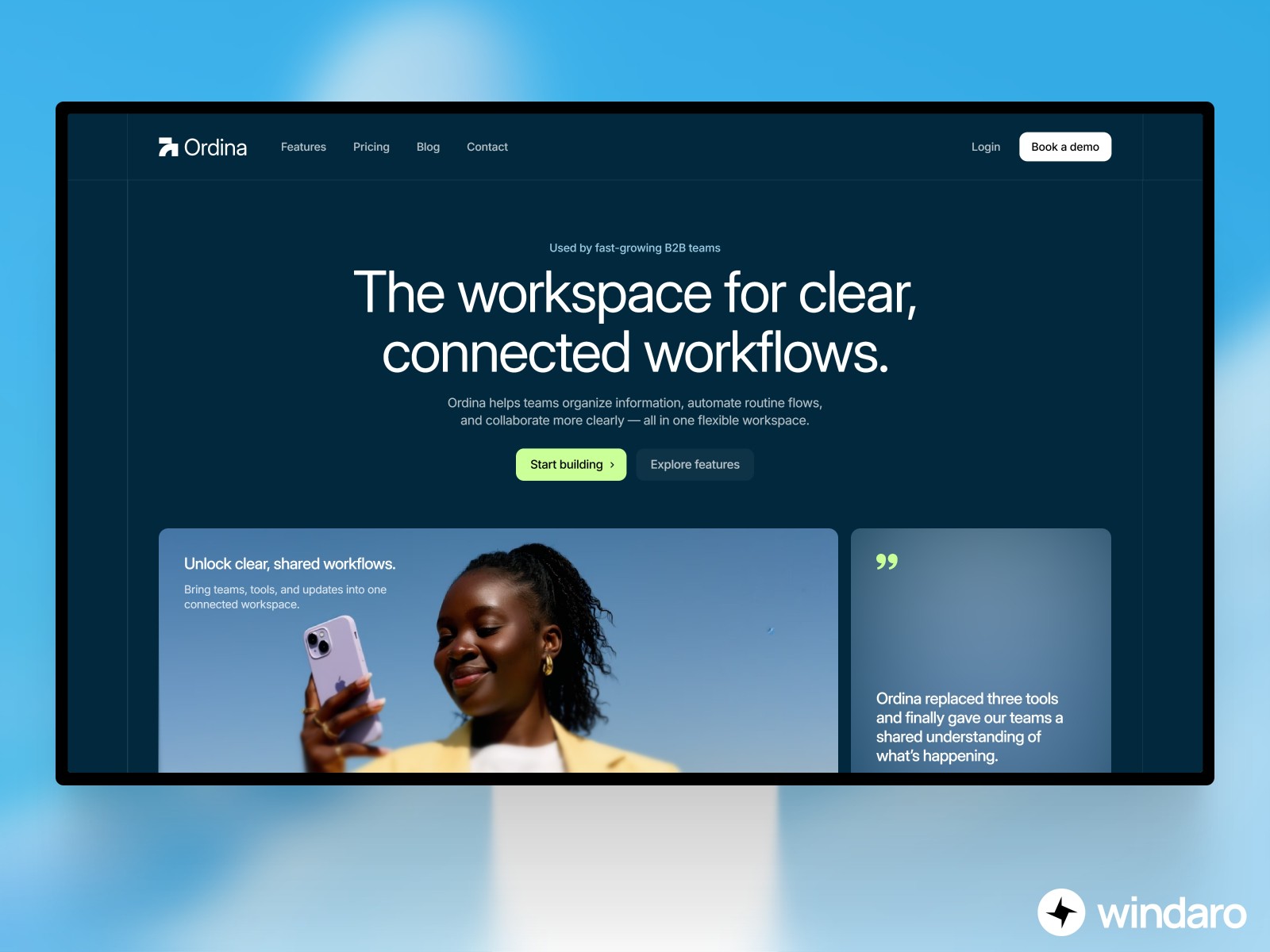
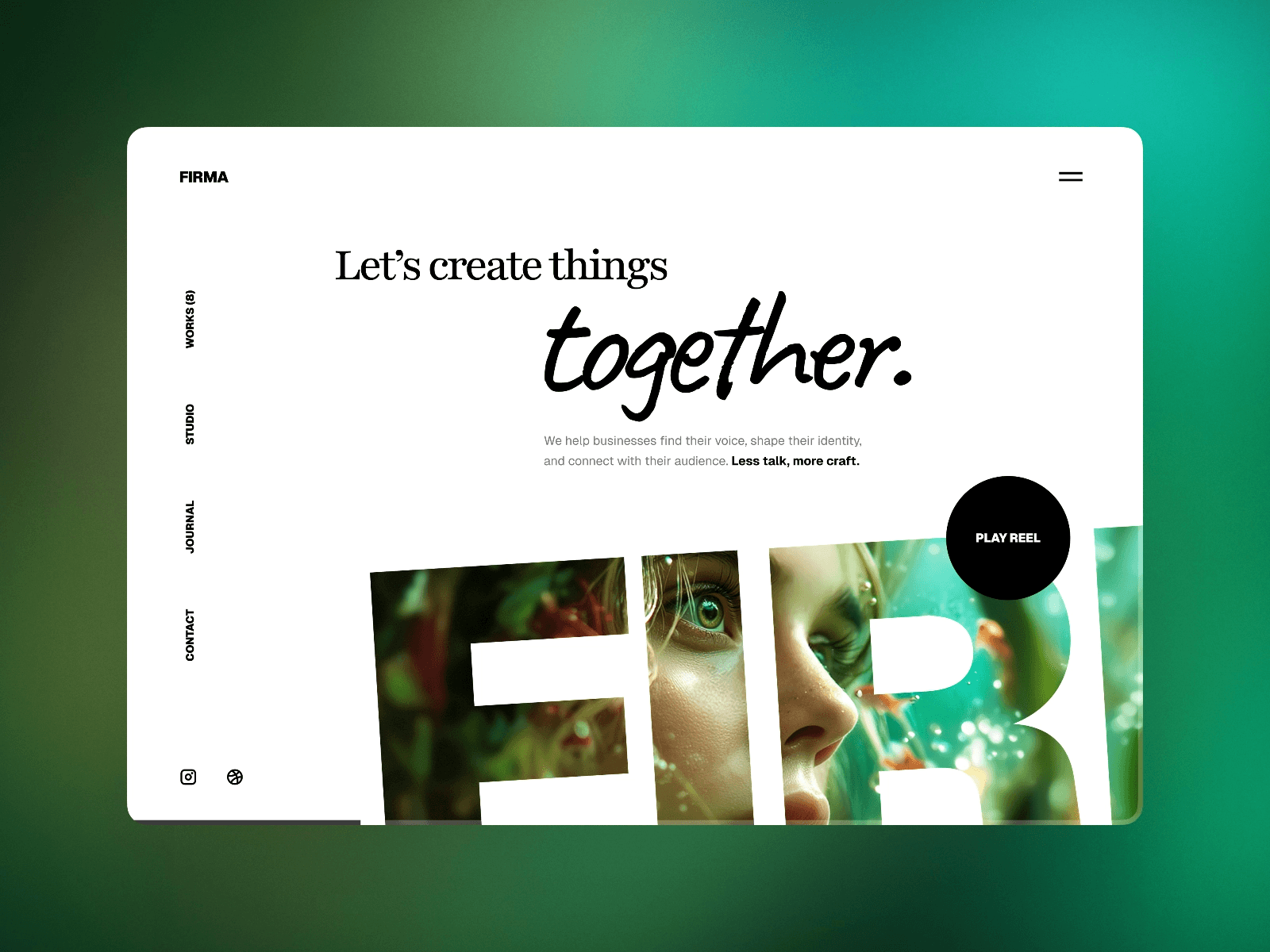
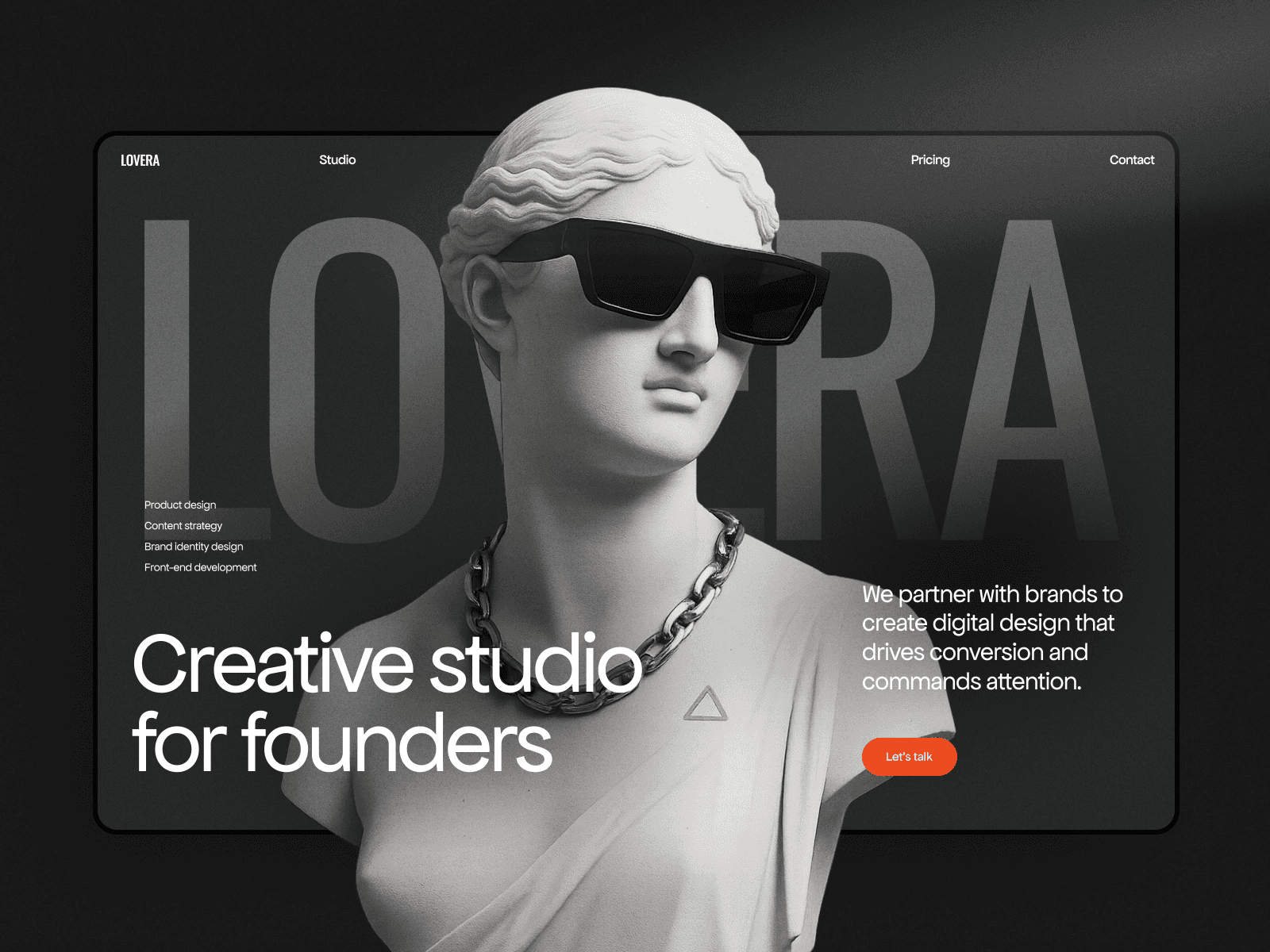
Minimalism with bold typography continues to dominate. The trend isn’t blank-page simplicity; it’s intentional white space paired with striking, oversized typography that commands attention. This approach works because it reduces cognitive load while creating memorable visual hierarchies. AI tools help optimize this by automatically testing type scales and spacing variations to find the balance that works for your specific audience.
Sustainability has become a design concern. Progressive web designers are optimizing images more aggressively, reducing unnecessary code, and implementing lazy-loading strategies—all practices that reduce server load and energy consumption. AI can identify optimization opportunities automatically, suggesting image formats that maintain quality while reducing file size, and flagging code that can be streamlined.
3D and WebGL experiences are moving from novelty to expectation. Interactive 3D elements, immersive hero sections, and shader-based visual effects create memorable experiences that flat design can’t match. Framer’s support for WebGL and interactive elements positions it well for designers exploring these possibilities.
Personalization has become sophisticated. AI can now segment users in real-time, adapting layouts, content priorities, and recommendations based on behavior, preferences, and context. This isn’t creepy targeting—it’s thoughtful UX that respects user intent and delivers relevant experiences.
Automated Testing and Real-Time Optimization
One of the most practical applications of AI in web design is automated A/B testing. Rather than requiring designers to manually set up test variations, AI-driven systems can autonomously generate variations of critical page elements, distribute traffic across them, measure performance, and report winning variants. This continuous optimization loop means your website gets better every single day without manual intervention.
Real-time optimization goes further. AI monitors user behavior patterns and automatically adjusts page layouts, content emphasis, and interactive elements to match how actual users are engaging with your site. This isn’t guesswork—it’s data-driven refinement happening in real-time.
For designers, this shift means your work isn’t static. The designs you create become baselines for continuous improvement. You set the direction, establish the brand identity, and the AI handles optimization at scale. This is where the AI-as-creative-partner concept really shines—you focus on strategy and aesthetics while AI handles performance tuning.
Smart Forms and Adaptive User Interfaces
Form design is traditionally a UX problem that requires extensive testing and iteration. AI is changing this. Smart forms now adapt to the user’s context and behavior. Progressive disclosure hides optional fields until they’re relevant. Field validation becomes predictive, catching errors before the user submits. The form essentially learns what this particular user is likely to input and structures itself to minimize friction.
Adaptive interfaces take personalization further. The layout of your website can change based on how the user is engaging with it. Frequent visitors might see a different navigation structure than first-time users. Users viewing on mobile might see content prioritized differently than desktop users. These aren’t separate “mobile versions”—they’re single responsive designs that adapt intelligently to context and user history.
AI and SEO: A Powerful Partnership
Search engine optimization has always required attention to technical details—metadata, structured data, page speed, mobile-friendliness. AI is automating much of this work. For a comprehensive understanding of how to optimize your Framer site for search, check out our guide on SEO optimization for Framer sites.
Modern AI tools now analyze your content, suggest keyword opportunities, generate optimized meta descriptions, and identify technical issues that might be hurting your search rankings. More importantly, they do this continuously. Your page titles, descriptions, and structured data can be refined in real-time based on what’s working for similar pages in your industry.
For deeper insights on performance factors that search engines care about, explore our article on website performance optimization tips for Framer sites.
The Psychology of AI-Assisted Design
As websites become more personalized and adaptive, understanding user psychology becomes even more critical. How does a user’s perception of your brand change when the interface adapts to them? What psychological triggers make personalized experiences feel delightful versus intrusive?
Progressive design teams are researching these questions extensively. The goal isn’t manipulation—it’s alignment. A personalized experience should feel like the website understands the user’s needs and is responding thoughtfully. For a deeper dive into how design decisions affect user behavior, see our piece on website psychology and design’s impact on user behavior.
Converting Visitors: AI-Powered Conversion Rate Optimization
The ultimate goal of most websites is conversion—whether that’s a purchase, signup, download, or inquiry. AI is revolutionizing how designers approach conversion optimization. Rather than relying on quarterly A/B tests, AI systems now run hundreds of micro-experiments simultaneously, identifying the exact changes that move your conversion rate needle.
This includes optimizing page layouts, CTA button copy, form fields, trust signals, and content emphasis. The system learns which combinations work best for different user segments and adapts the experience accordingly. For actionable strategies on improving your conversion rates, check out our guide on conversion rate improvement for Framer users.
Choosing the Right Platform and Tools
The temptation in 2026 is to chase every new tool and platform. Designers see announcements about breakthrough AI features and want to evaluate everything. This approach is exhausting and counterproductive. The real magic happens when you go deep with one platform rather than shallow with many.
Framer represents a strategic choice for this exact reason. Rather than adopting AI as an afterthought, Framer has integrated intelligent design assistance throughout its ecosystem. You get AI-powered layout suggestions, smart component management, and access to professionally designed templates in one cohesive environment. When you combine this with LaunchNow templates—which provide professional starting points you customize within Framer—you’ve created a workflow that prioritizes speed, quality, and creative control.
When selecting templates or platforms, ask yourself: Does this tool deepen my creative capabilities or scatter my attention? Does it encourage ownership of the design process or create dependency on AI suggestions? For a comprehensive look at template selection, see our guide on choosing the right website template for your business.
The Future of Design: Human Creativity Amplified
As we move through 2026 and beyond, the most important thing to understand is this: AI in web design isn’t about replacing designers. It’s about augmenting human creativity with intelligent automation. The designers winning in 2026 are those who view AI as a collaborator that handles routine tasks and generates options, while they focus on strategy, storytelling, and the human insights that make websites resonate emotionally.
The future belongs to designers who understand both the possibilities and limitations of AI. The possibilities are remarkable—faster iteration, data-driven optimization, personalization at scale. The limitations are equally important to understand: AI generates options, not inspiration. It optimizes what exists, it doesn’t define what should exist. It handles execution but not strategy.
Master one platform deeply. Understand its AI capabilities and how they align with your workflow. Use templates as acceleration points, not shortcuts around thinking. Stay curious about new tools but maintain focused expertise. This approach—combining AI-augmented platforms like Framer, professionally designed templates, and your own strategic design thinking—is what separates websites that work from websites that truly matter.
The transformation happening in web design is profound, but it’s not mysterious. It’s the natural evolution of tools becoming smarter, designers becoming more strategic, and users receiving experiences increasingly tailored to their needs. The question isn’t whether to embrace AI web design in 2026—it’s how intelligently you’ll incorporate it into your workflow.