Why Framer Is Ideal For Landing Pages
Landing pages are the digital frontline of customer acquisition. Whether you're launching a new SaaS product, promoting a limited-time offer, or building an email list, your landing page's performance directly impacts your business results. For teams and entrepreneurs seeking to build high-converting landing pages without writing code, Framer has emerged as a powerful alternative to traditional page builders.
The fundamental challenge with most landing page builders is the trade-off between ease of use and design flexibility. Drag-and-drop platforms like Unbounce and Leadpages prioritize simplicity, but they constrain your creative vision. Custom-built solutions offer complete control but demand significant development resources. Framer landing page builders occupy a unique middle ground, combining intuitive design tools with the sophistication of modern web frameworks.
Speed And Performance Advantages
Page speed is not just a technical metric—it's a conversion driver. Google's research consistently shows that page speed correlates with bounce rates, and slower pages lose visitors exponentially. Framer is built on modern web architecture that prioritizes performance from the ground up. Unlike heavy WordPress themes or jQuery-laden builders, Framer generates lightweight, optimized code that loads quickly across all devices.
When you publish a landing page on Framer, it's deployed to a global CDN (content delivery network) with automatic image optimization and compression. This means your landing page serves at blazing speeds regardless of your visitor's geographic location. For conversion-focused marketers, this speed advantage translates directly into fewer abandoned visitors and better SEO performance.
Design Control Without Code
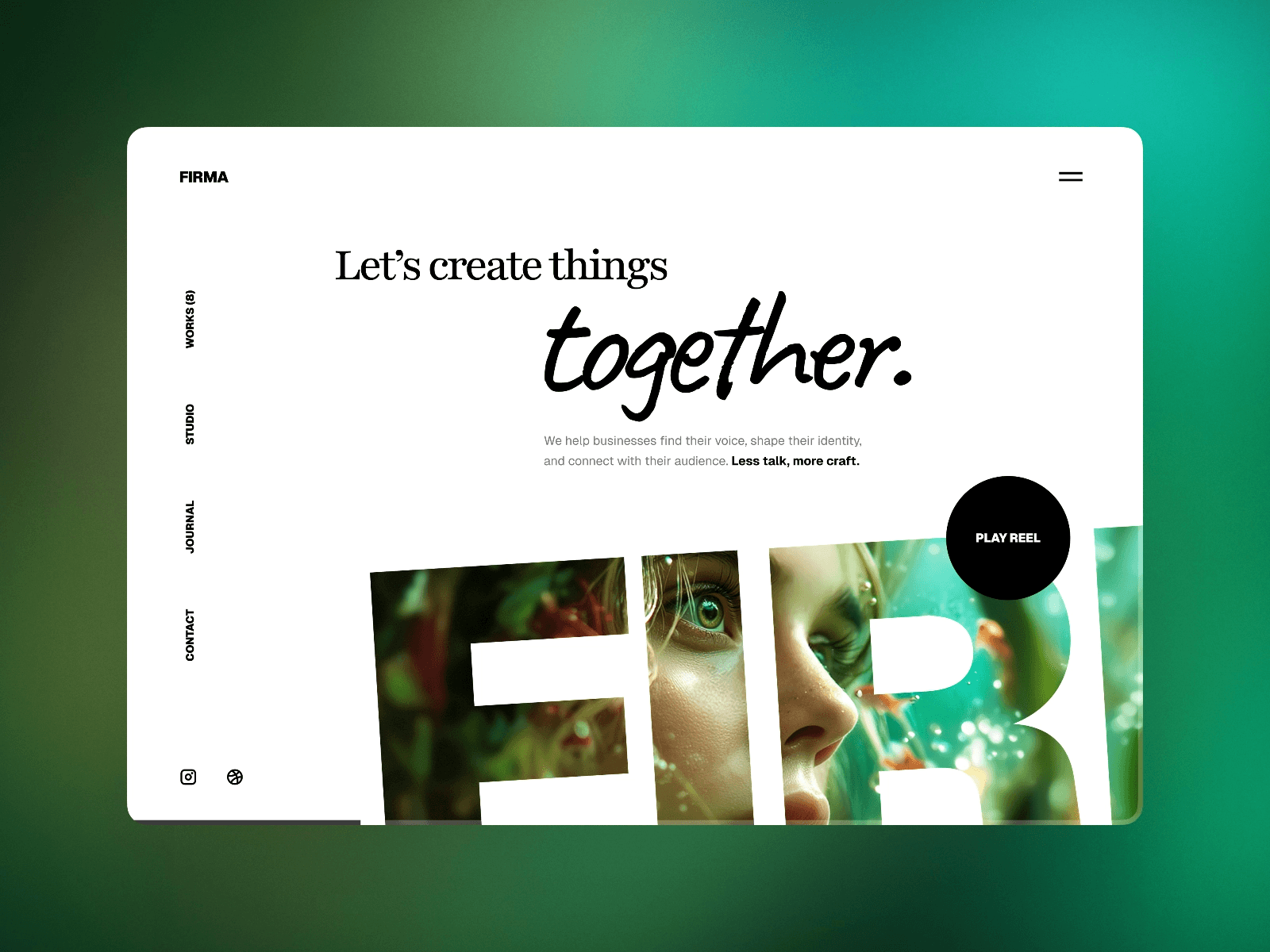
One of Framer's most compelling features for landing page creators is its visual-first approach to design. You can build sophisticated layouts, implement complex animations, and create interactive elements entirely through Framer's interface—without touching a single line of CSS or JavaScript. This democratizes design, allowing marketers, founders, and non-technical teams to build landing pages that rival professionally designed sites.
At the same time, Framer doesn't restrict you if you do have technical skills. You can drop into code mode to add custom functionality, integrate third-party services, or implement specialized features. This flexibility means your landing page can grow with your needs, from simple one-pager to complex multi-section conversion machine.
Built-In Best Practices
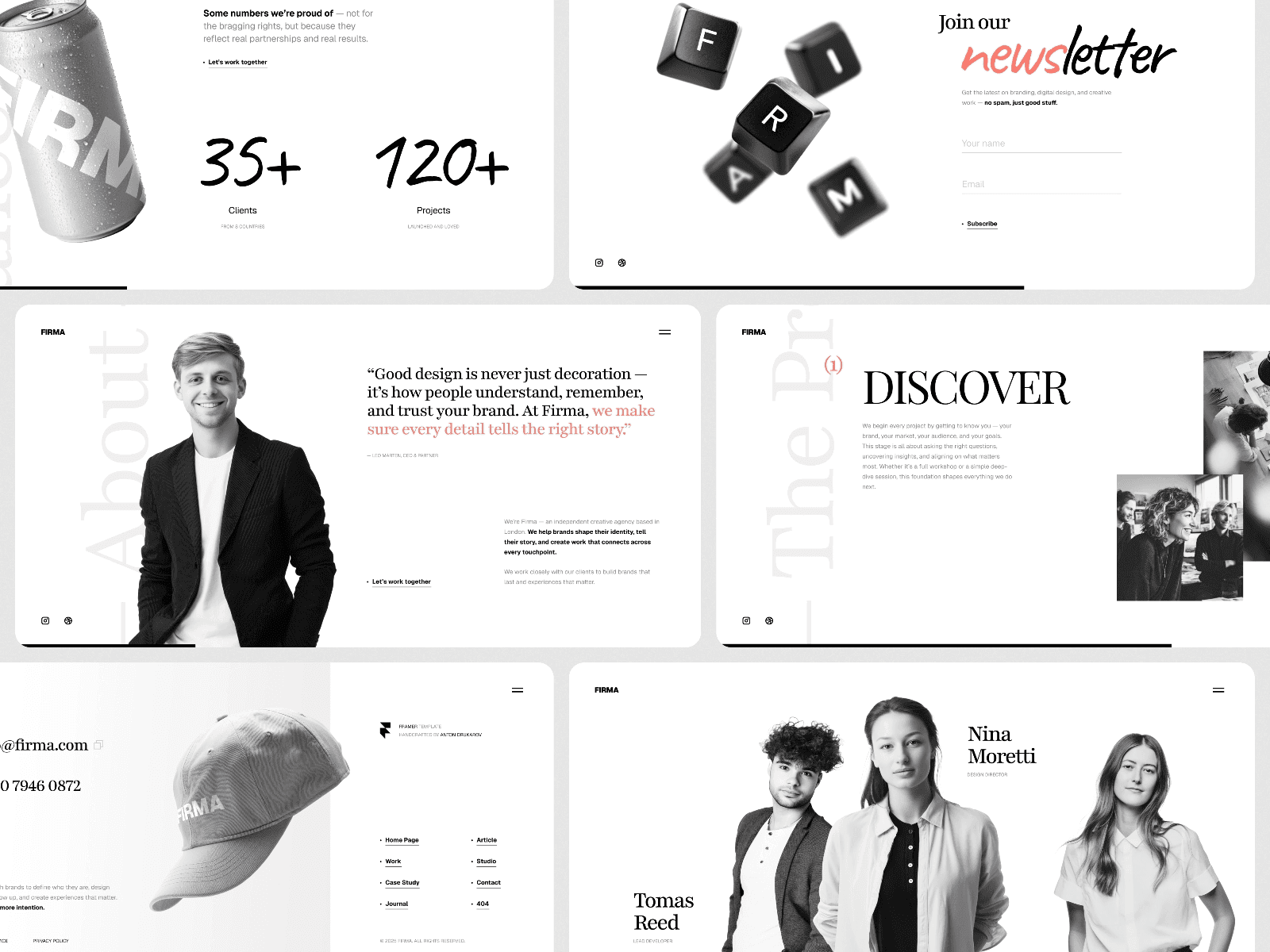
Framer landing page templates come with conversion best practices baked in. The platform's design system encourages responsive layouts, accessible components, and performance-friendly patterns. When you start with a template, you're not just getting a pretty design—you're starting with a foundation built by designers who understand conversion psychology.
Key Design Elements That Drive Conversions
Regardless of the platform, certain design elements consistently drive higher conversion rates. Understanding these elements and how to implement them in Framer will help you build a high converting landing page that turns visitors into customers.
Above-The-Fold Real Estate
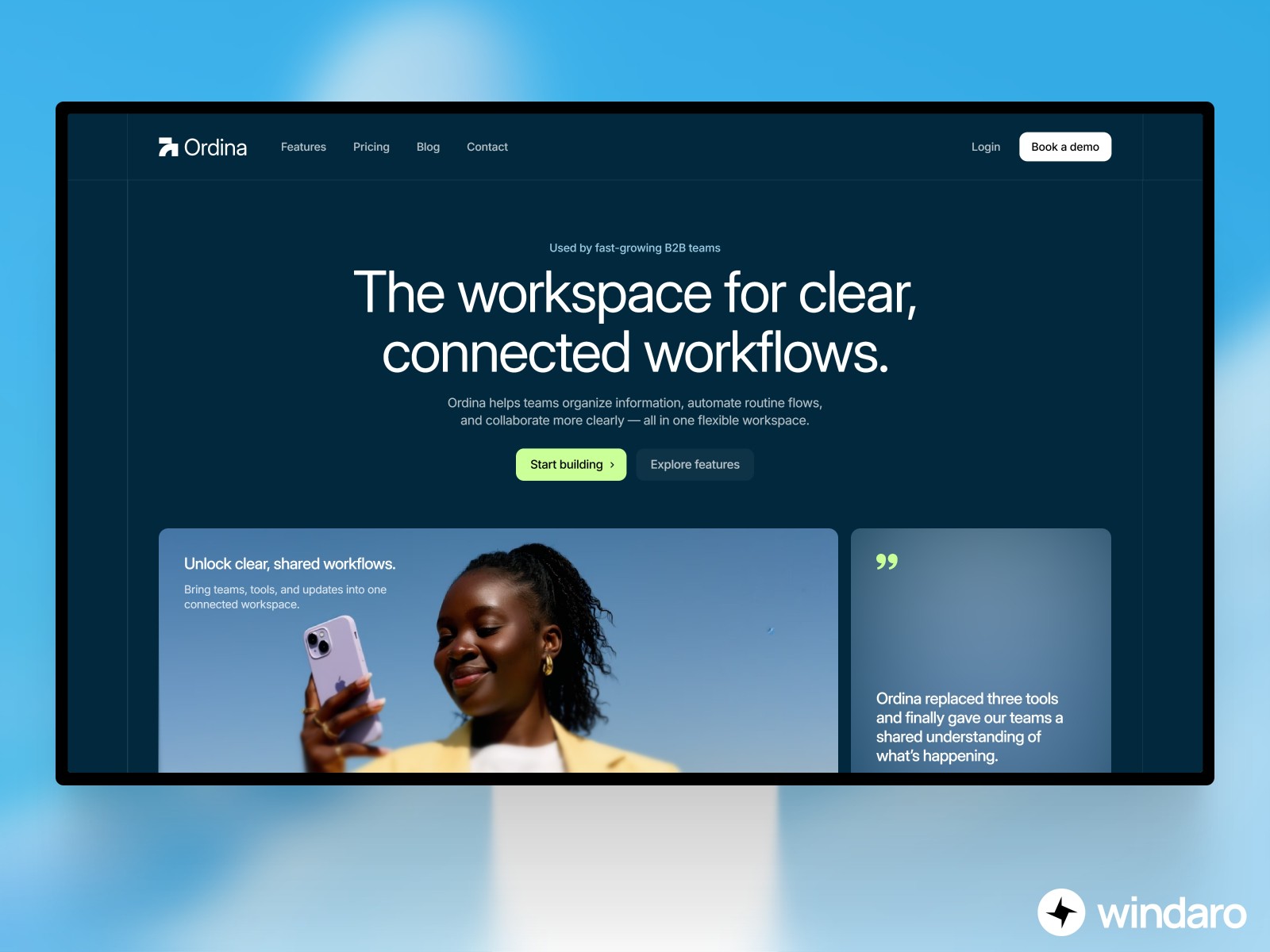
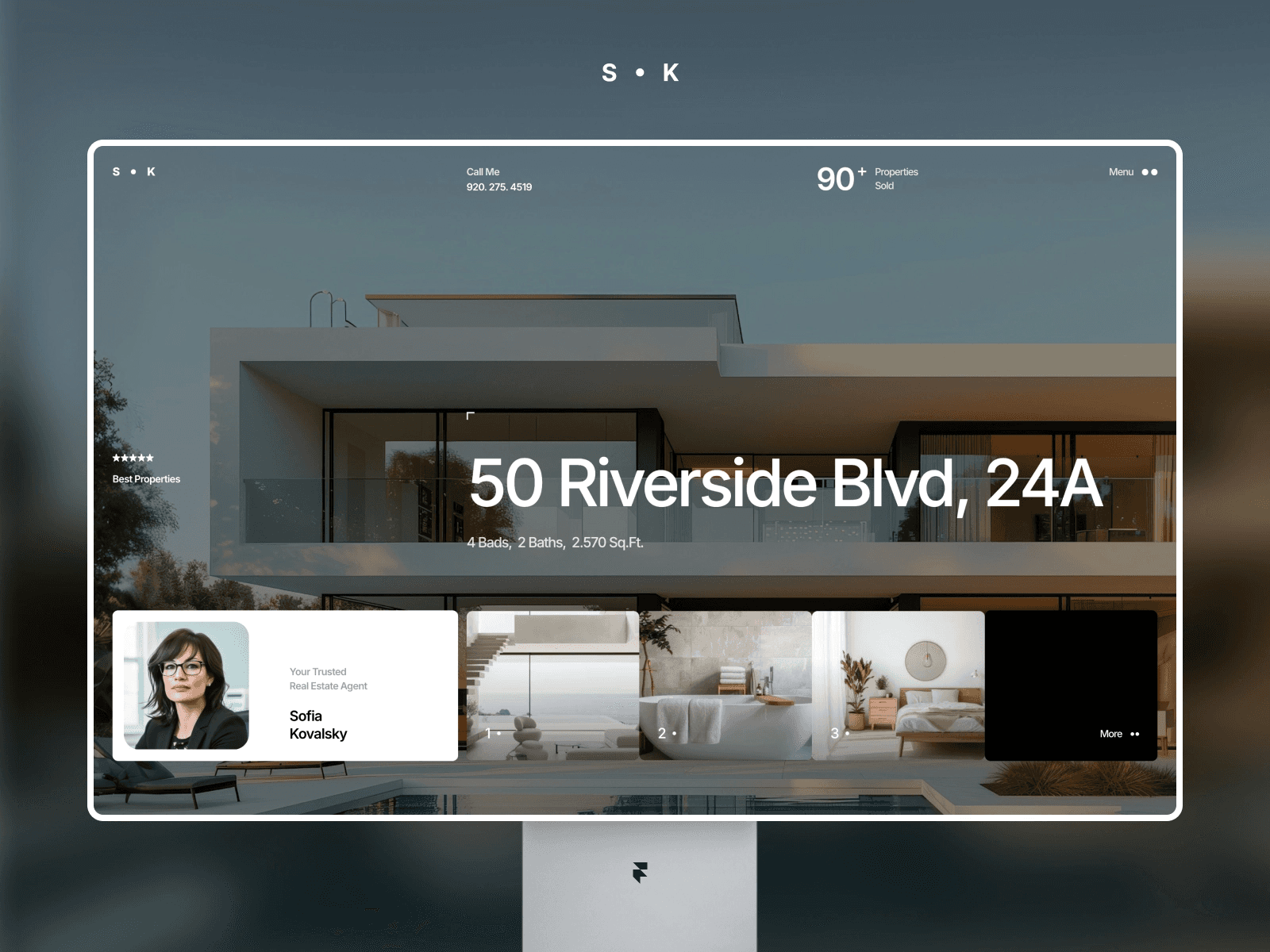
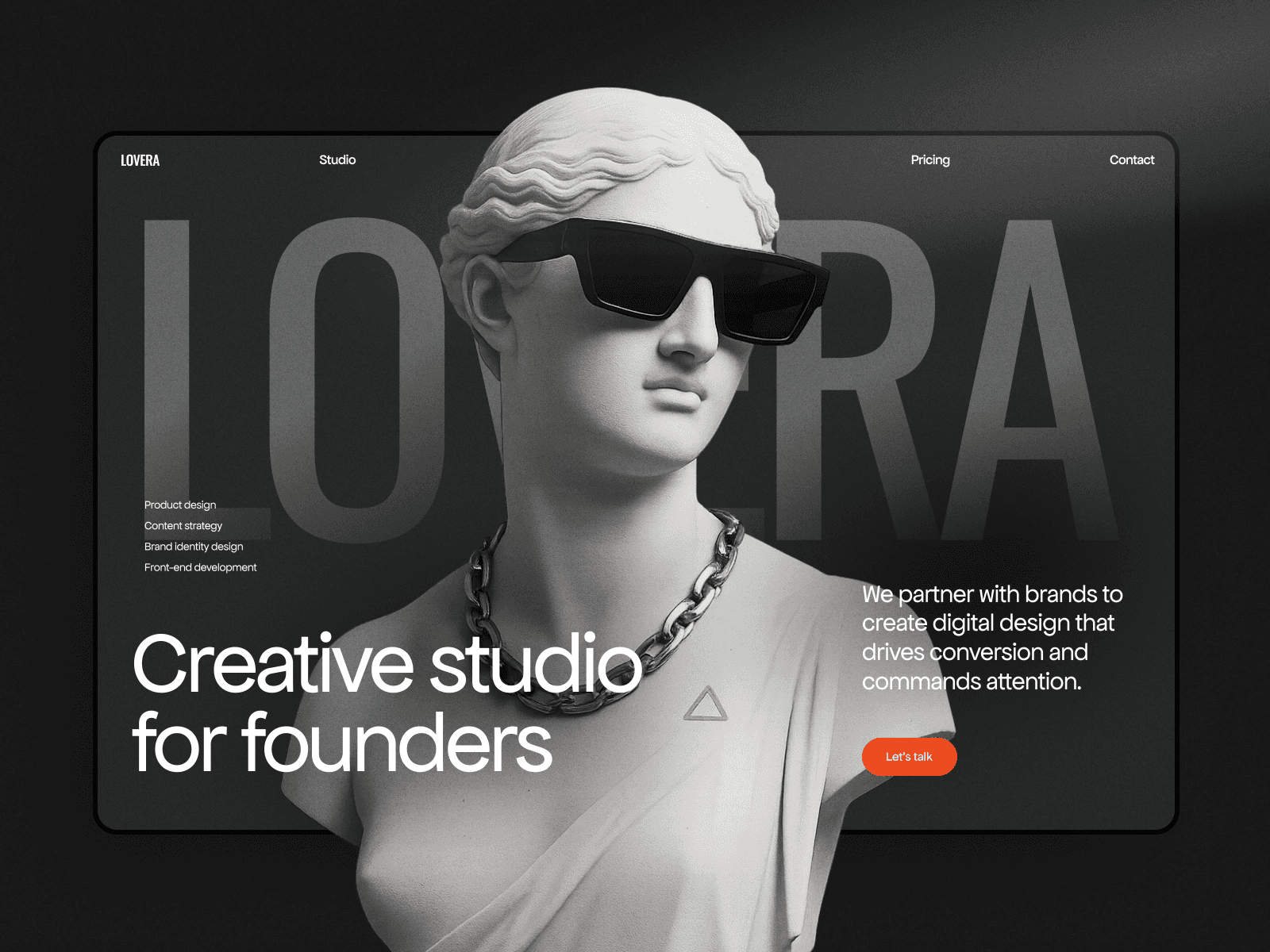
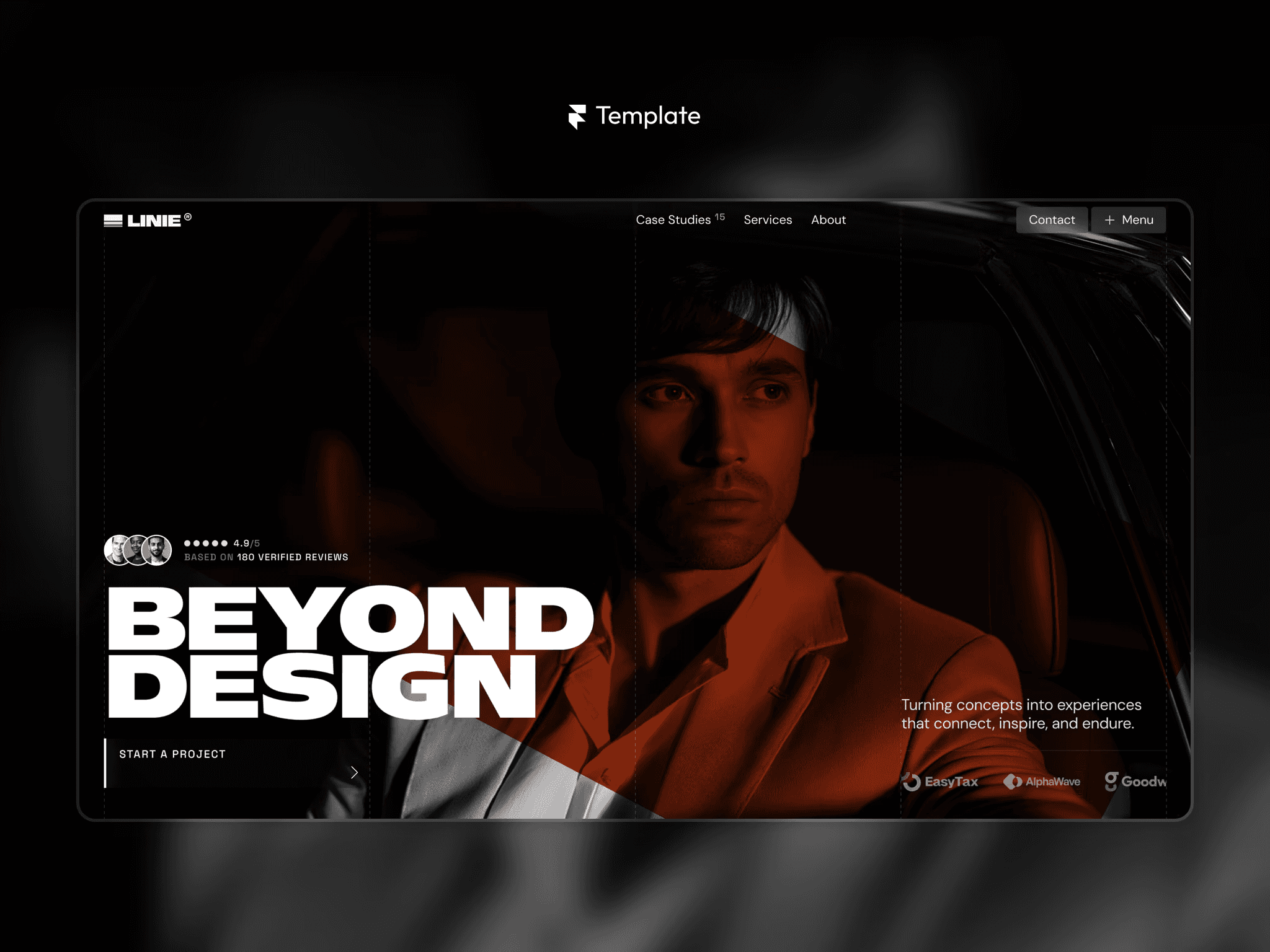
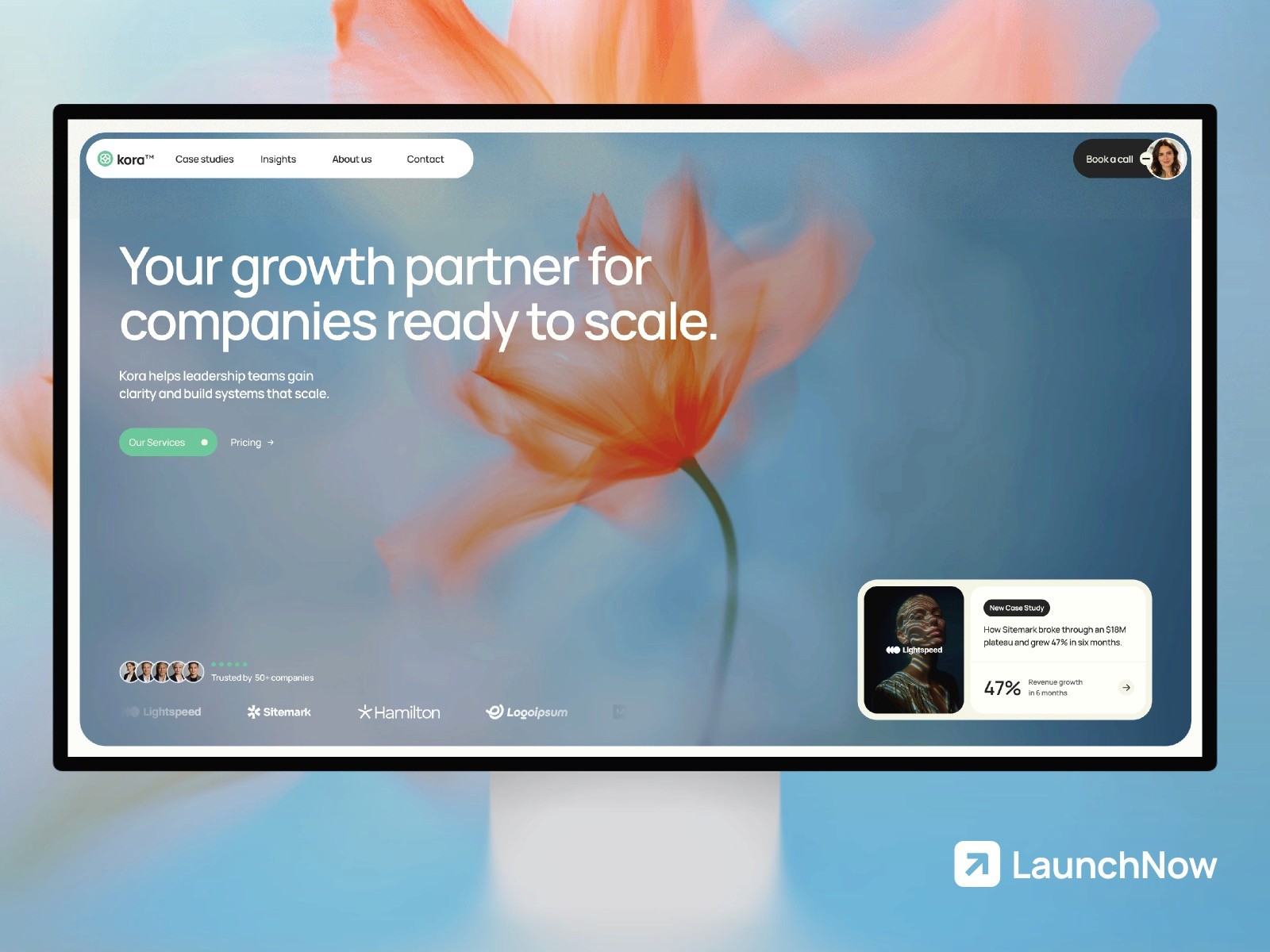
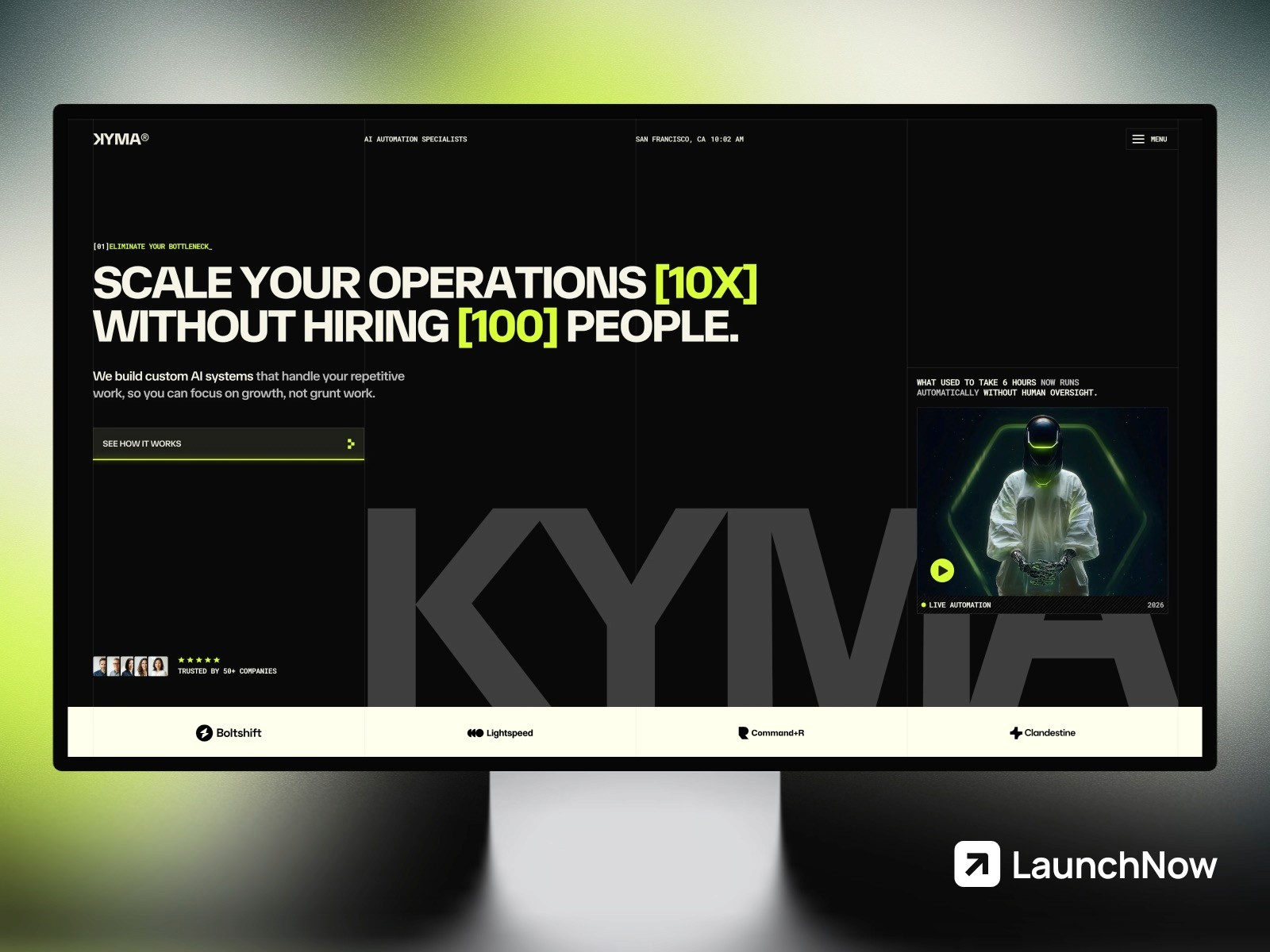
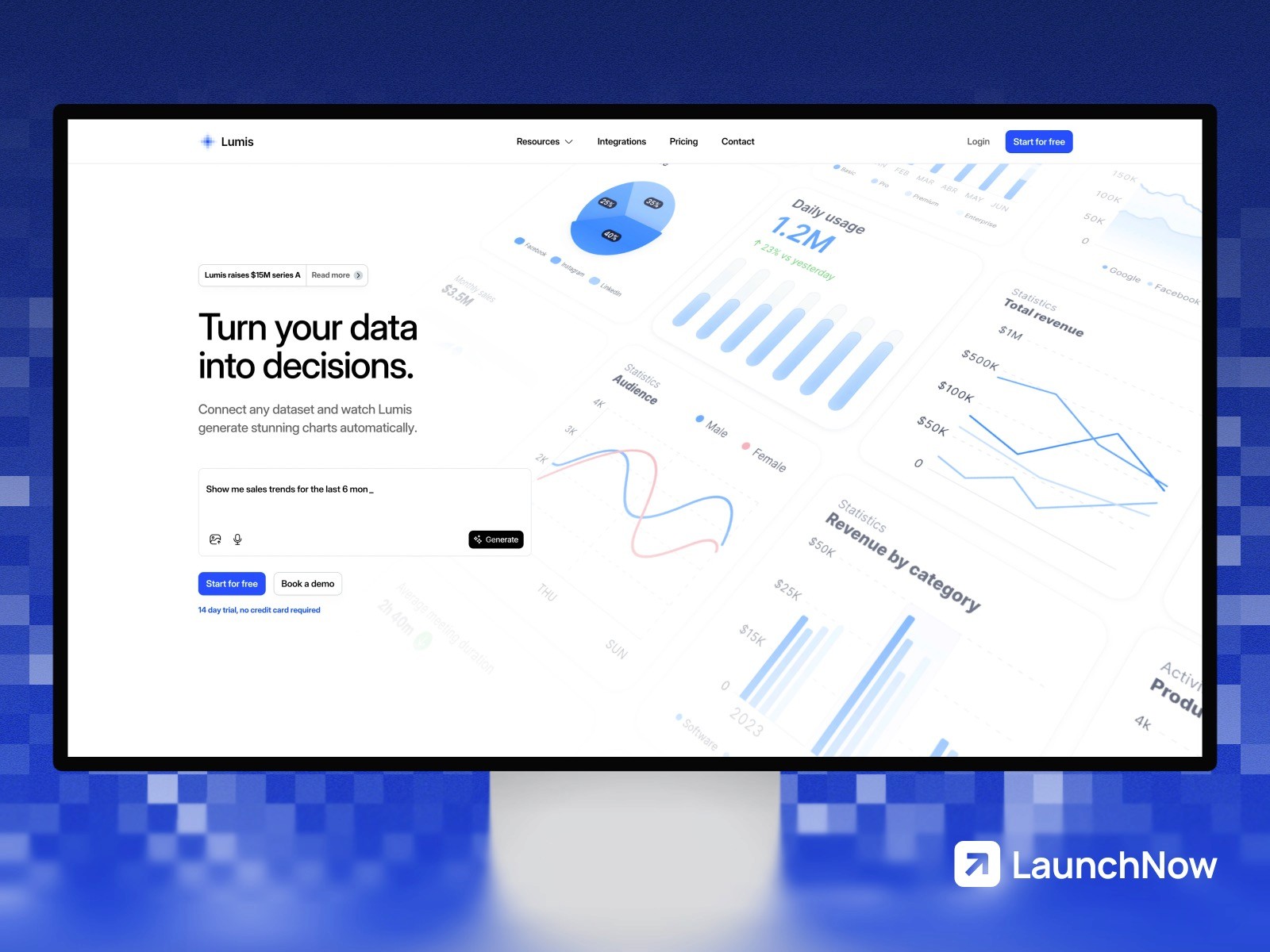
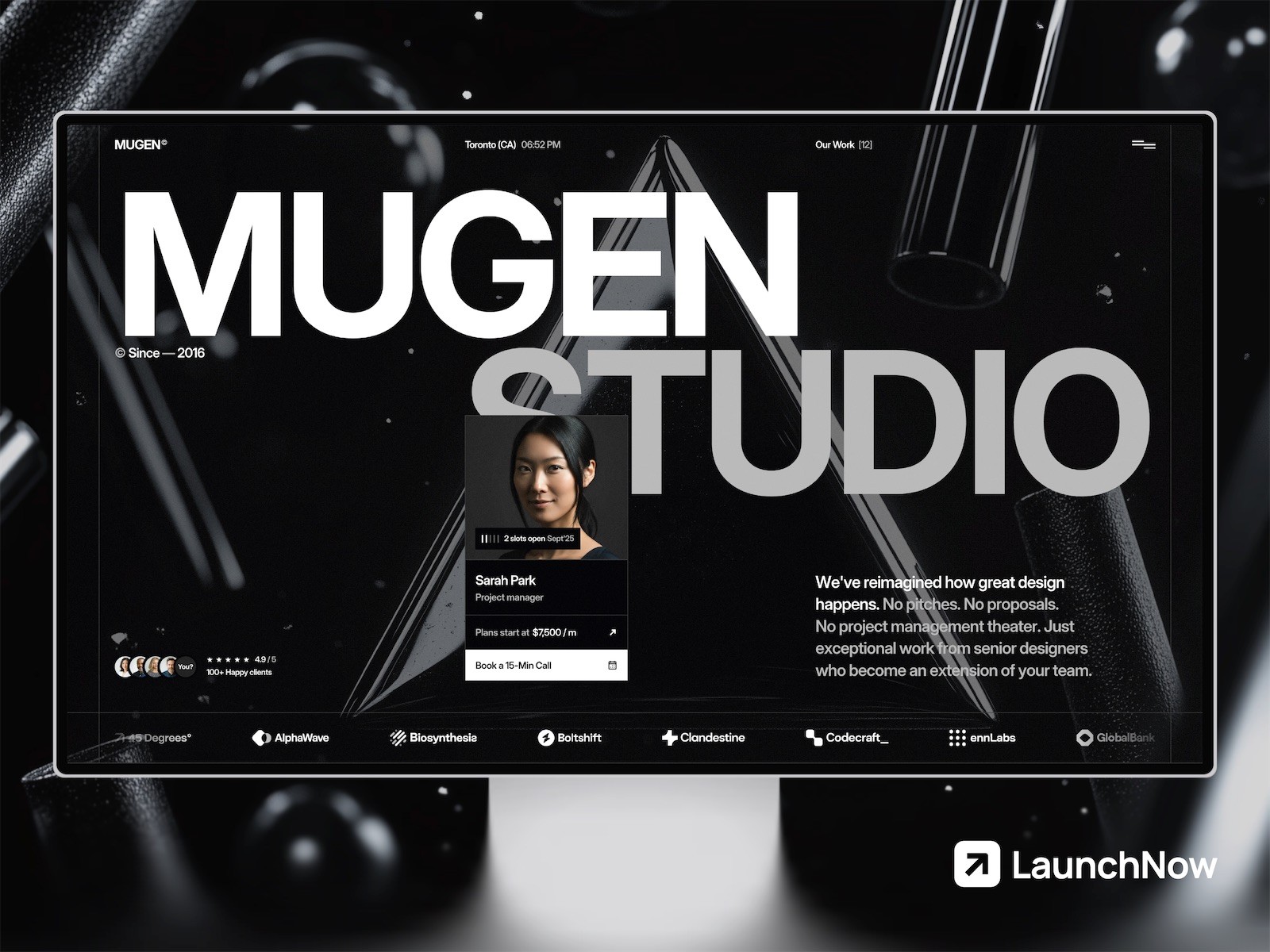
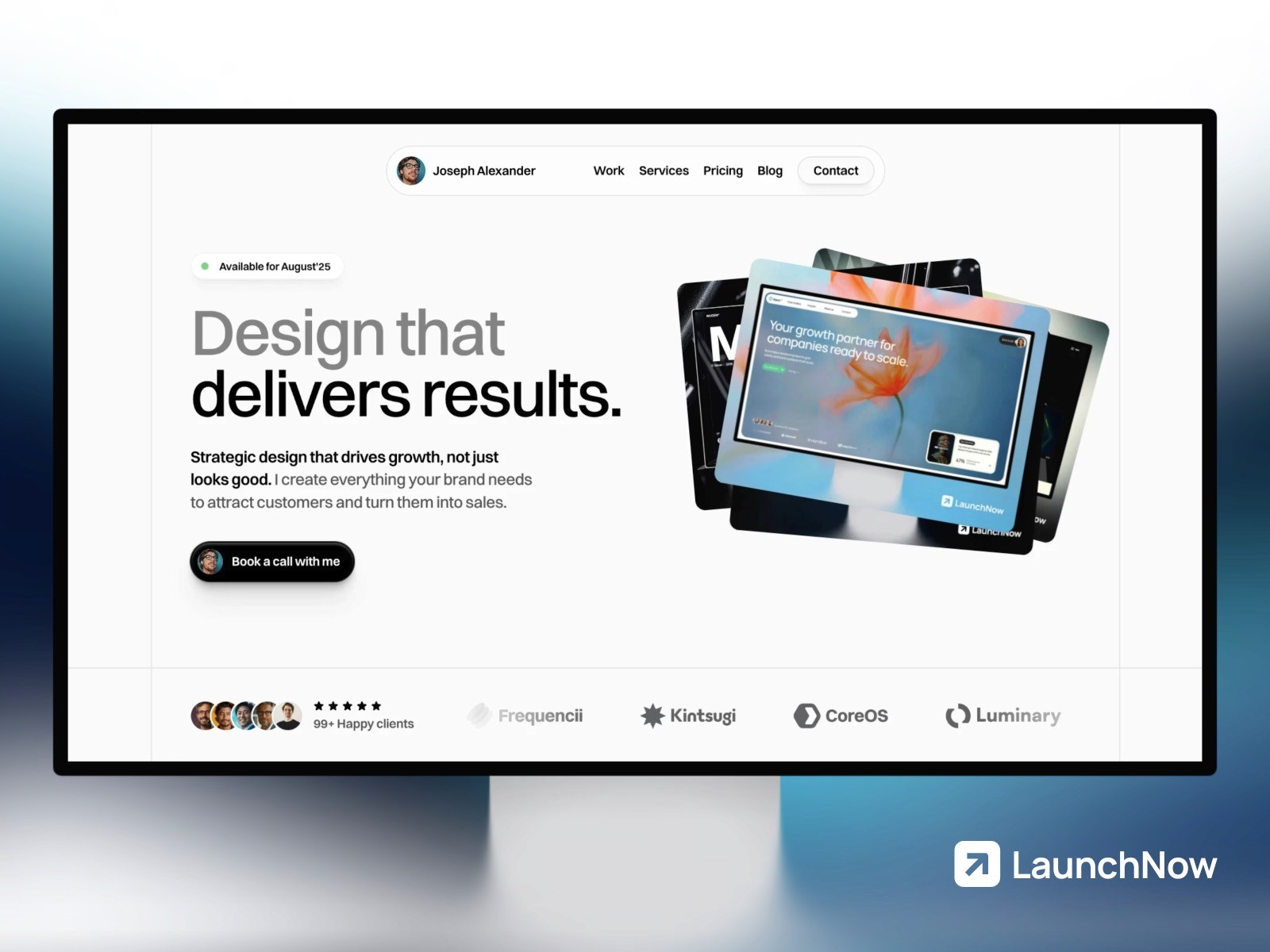
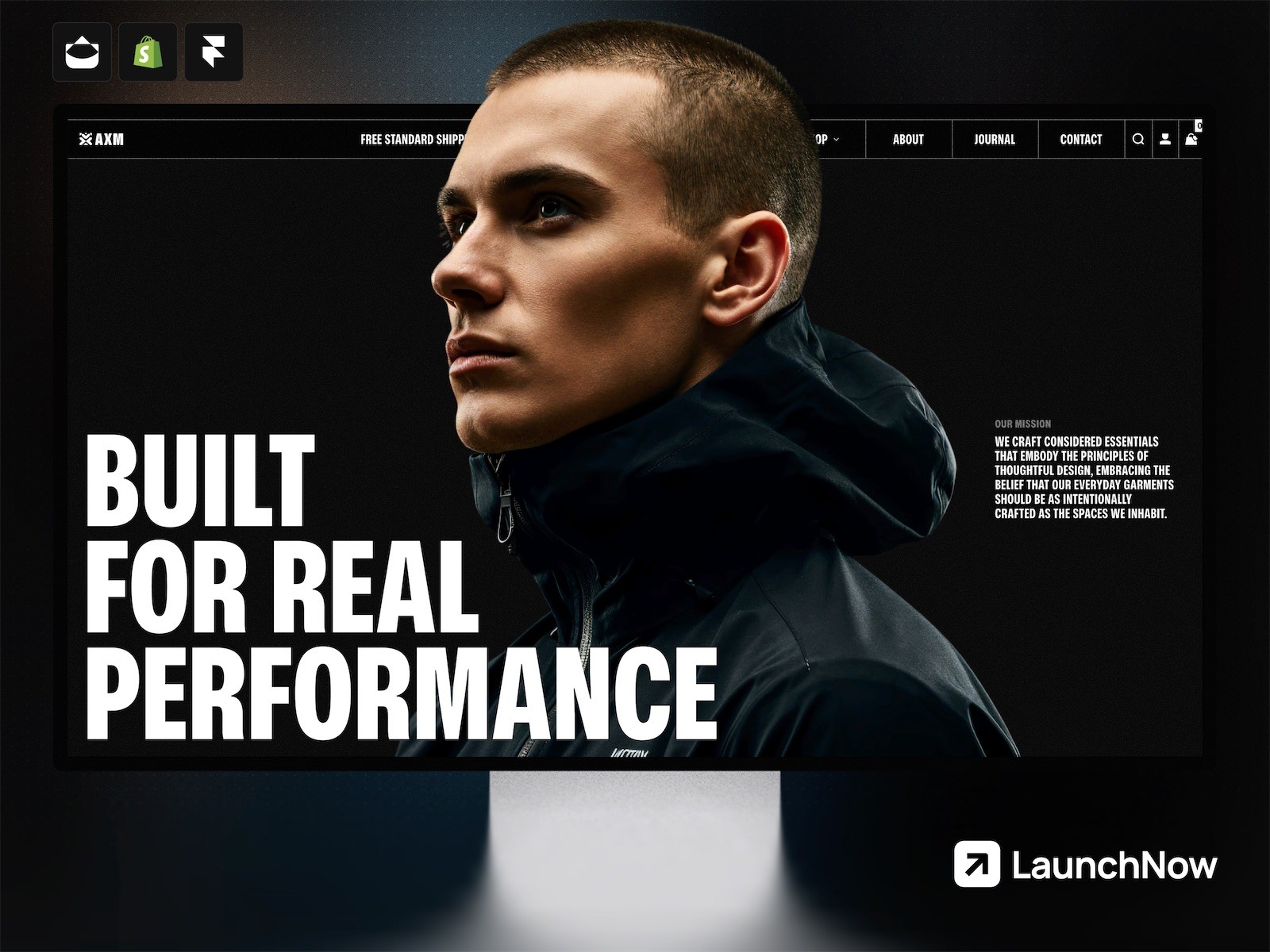
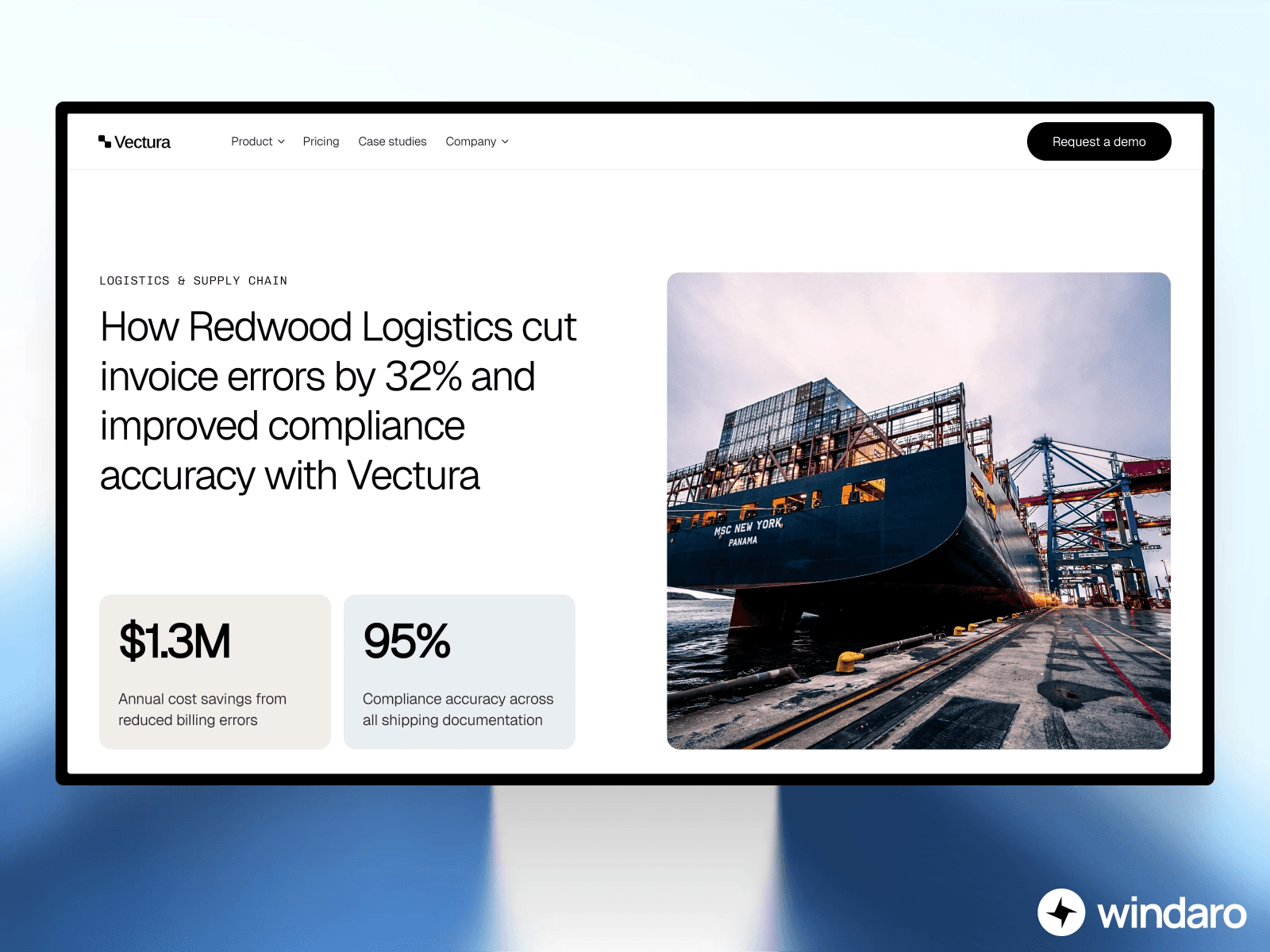
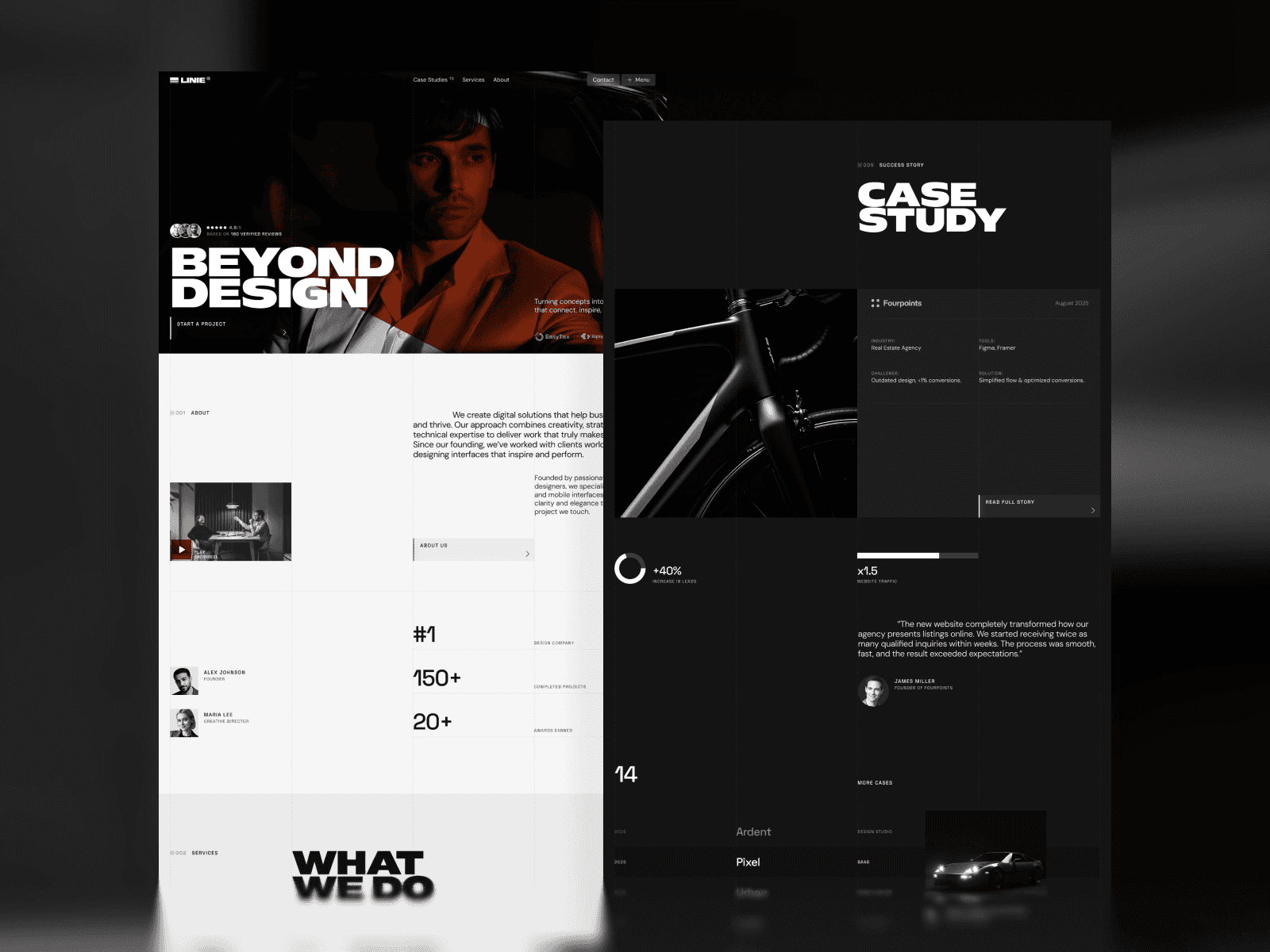
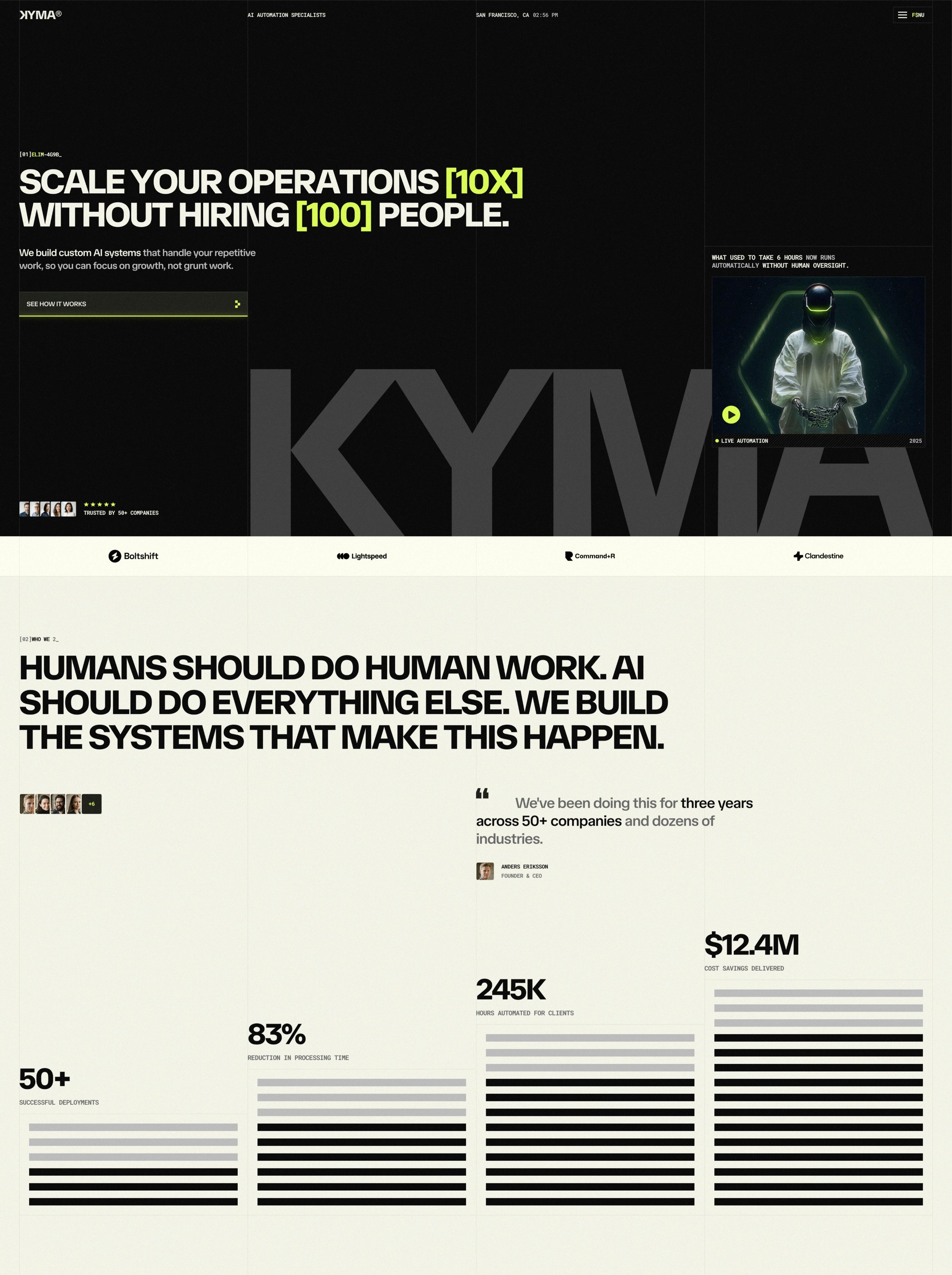
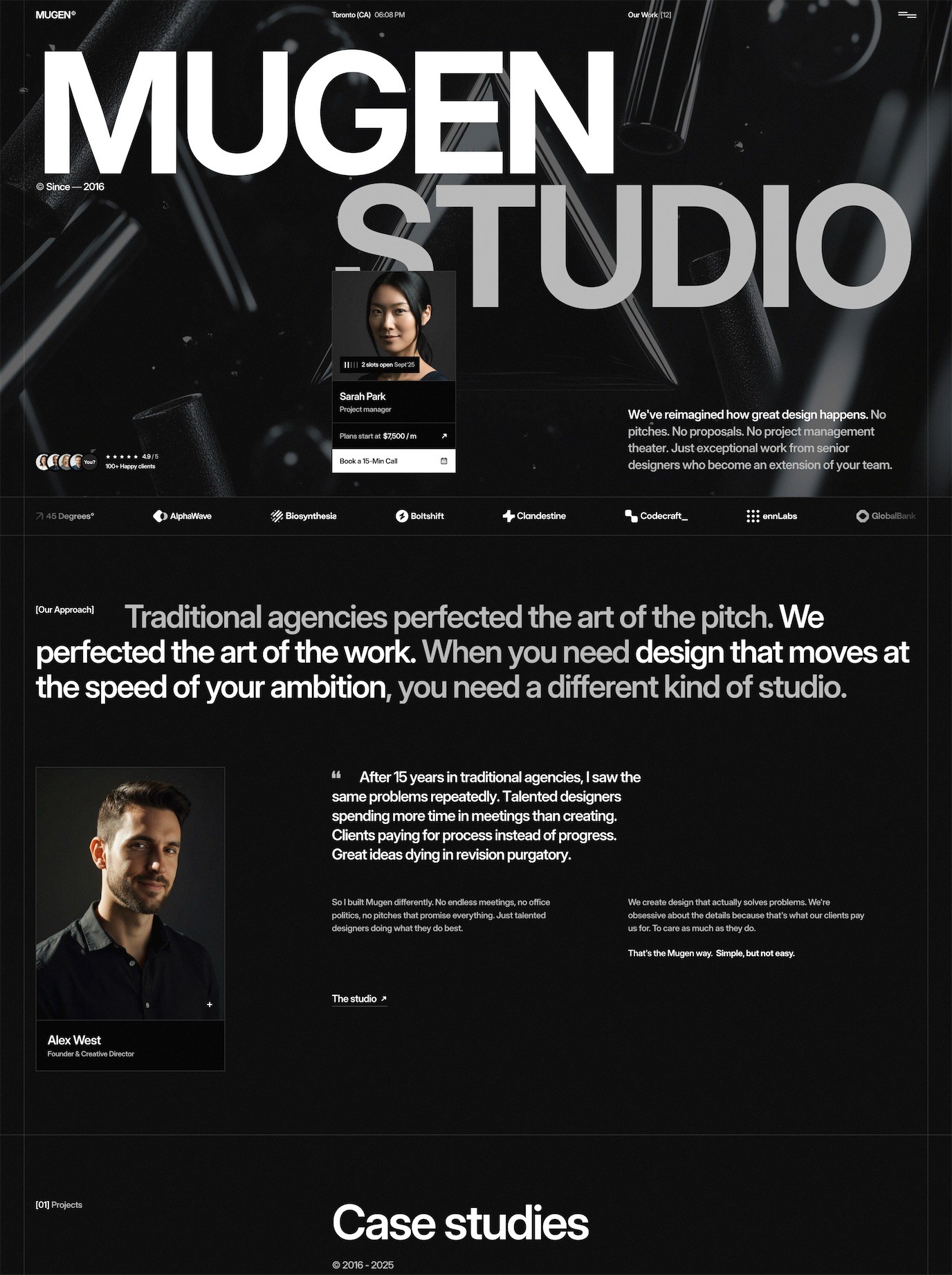
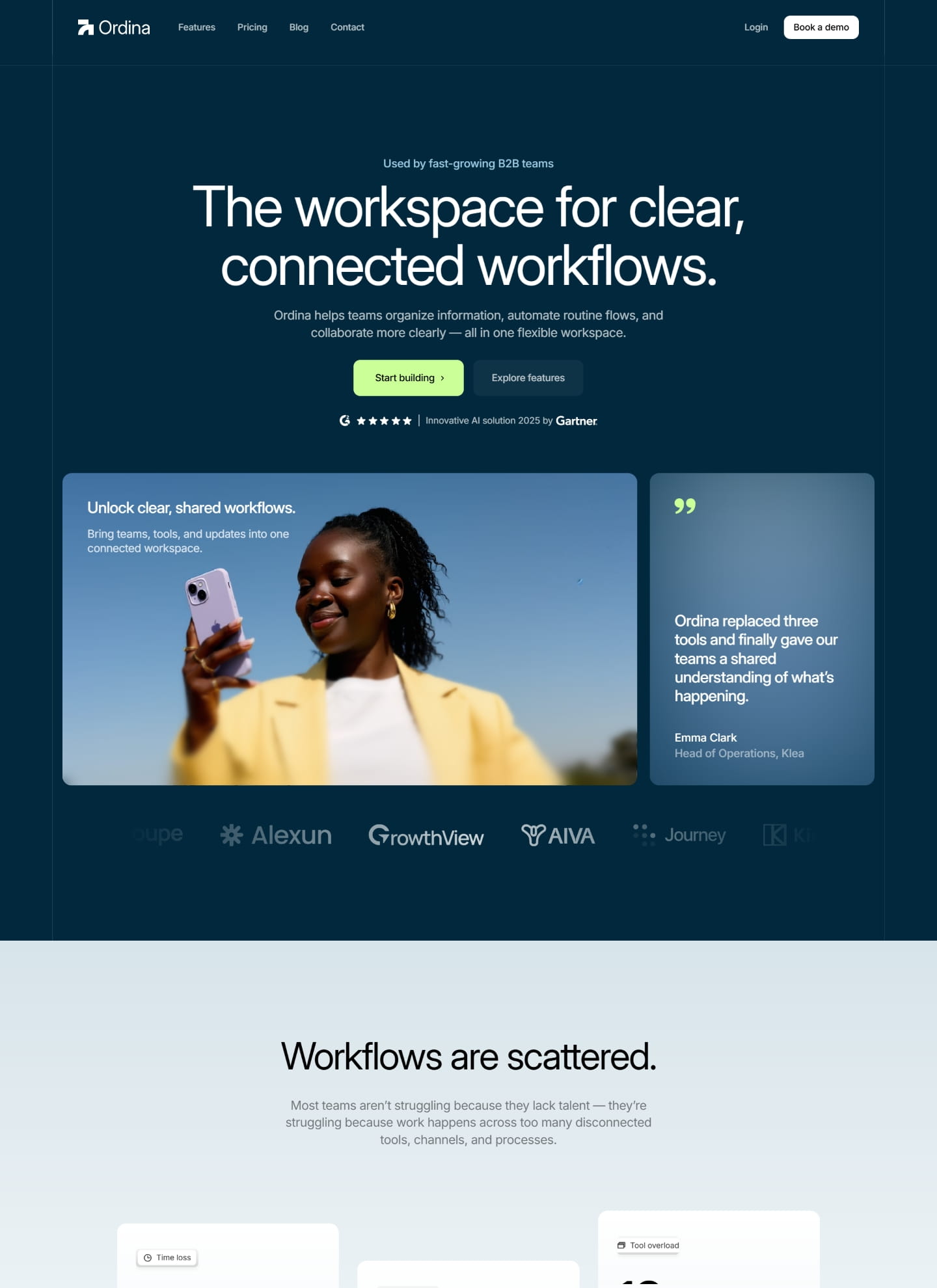
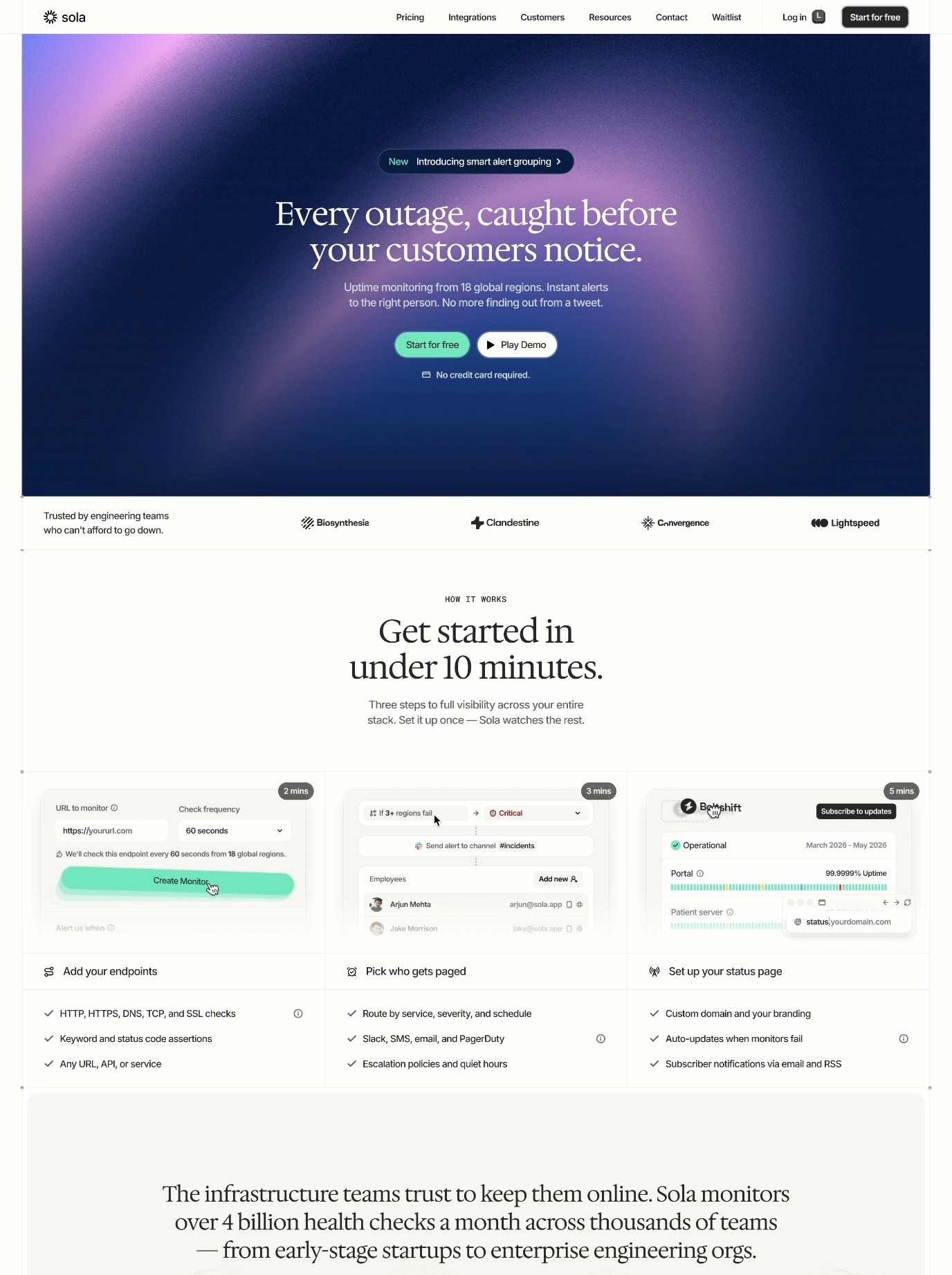
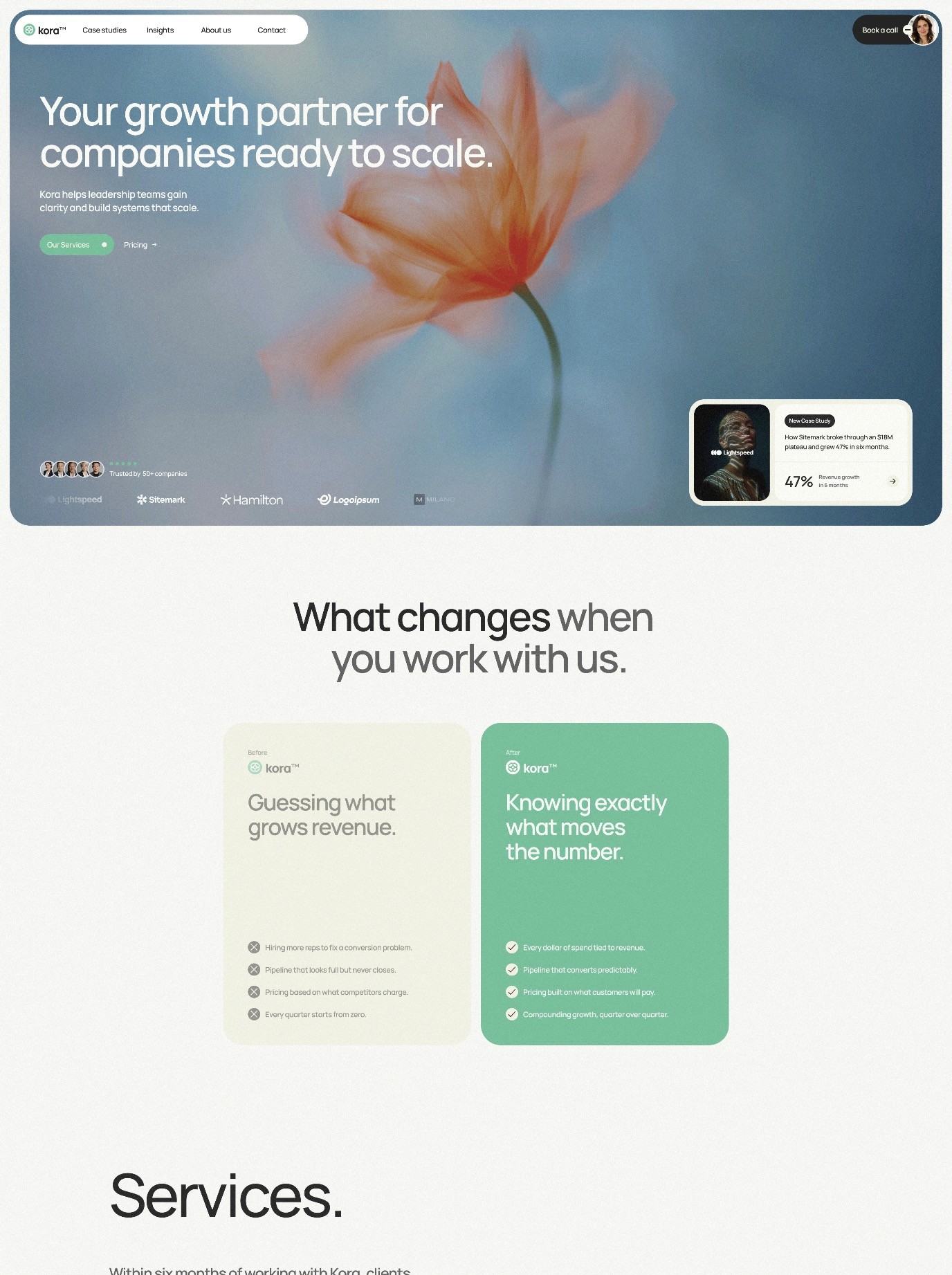
The first viewport—what visitors see before scrolling—makes or breaks a landing page. Your above-the-fold section must immediately communicate your value proposition, establish credibility, and compel action. In Framer, you can create stunning hero sections with background images, video, or animated elements that immediately capture attention.
The most effective above-the-fold sections include a clear headline, a supporting subheadline, a primary call-to-action (CTA), and visual elements that reinforce your message. Framer's design flexibility allows you to implement parallax effects, scroll triggers, and animations that make this section feel modern and engaging without sacrificing load time or usability.
Strategically Placed Calls-To-Action
A high-converting landing page doesn't rely on a single CTA button at the bottom. Instead, successful pages strategically place CTAs throughout the page journey. Your primary CTA should appear in the hero section, but secondary CTAs should surface when visitors are most engaged—after learning about key benefits, seeing social proof, or understanding the solution to their problem.
In Framer, you can create button components with clear visual hierarchy using color, size, and whitespace. The best CTAs use action-oriented copy ("Start Free Trial" rather than "Submit"), contrasting colors, and positioning that feels natural within the page flow. You can also implement context-specific CTAs that change based on how far down the page a visitor has scrolled.
Social Proof And Credibility Signals
Visitors arrive at your landing page skeptical. They need reasons to believe you deliver what you promise. Social proof—testimonials, case studies, user counts, client logos, reviews—is one of the most powerful conversion drivers available. Effective landing pages don't hide social proof; they feature it prominently.
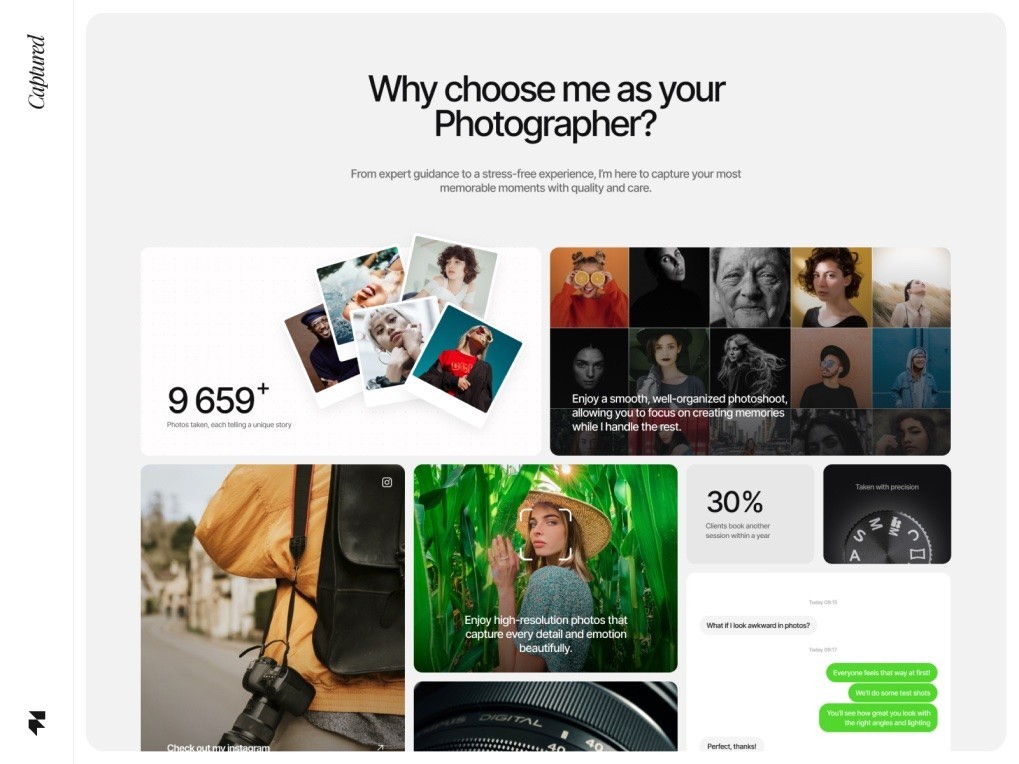
Framer makes it easy to create beautiful testimonial sections, logo carousels, and review displays. You can pull testimonials from real customers, display them in grid layouts, and add visual elements like star ratings or avatar images. The key is authenticity—stock praise is immediately recognizable and actively harms conversion rates.
Urgency And Scarcity Tactics
Urgency motivates action. Whether it's a limited-time offer, countdown timer, or scarcity messaging ("Only 3 spots remaining"), urgency works. In Framer, you can implement countdown timers using interactive components, create limited-time offer badges, and use color psychology to emphasize time-sensitive messaging.
However, urgency must feel genuine. False scarcity actively damages trust and conversion rates. Use urgency when you have legitimate reasons—a real deadline, limited inventory, or genuinely constrained availability.
Building Your First Landing Page: Layout, CTA, And Flow Structure
Now that you understand the strategic elements of high-converting pages, let's discuss the practical process of building one in Framer. Whether you're starting from scratch or customizing a Framer landing page template, the same structural principles apply.
Start With Your Core Message
Before opening Framer, crystallize your core message. What specific problem does your offer solve? Who is your ideal customer? What action do you want them to take? A clear message architecture makes design decisions easier and prevents wandering, unfocused pages that confuse visitors.
Write your headline and subheadline before designing. These words drive design decisions—if your message is complex, you might need more space or additional sections. If your message is simple, you can use bold typography and whitespace more aggressively.
Choose Your Layout Framework
Most effective landing pages follow recognizable sections: hero, benefit/feature explanation, social proof, additional features or FAQs, and final CTA. Framer's frame component makes it easy to build these sections responsively. Start by creating your sections as frames, then add content within them.
Use consistent spacing and alignment throughout. Framer's auto-layout features make responsive design straightforward—your landing page automatically adjusts for mobile, tablet, and desktop viewing without requiring multiple designs.
Strategic CTA Placement And Progression
Your first CTA appears in the hero section. After that, place subsequent CTAs when visitors have received enough information to make a decision. A common effective structure places CTAs after key benefit statements, after social proof sections, and at the page bottom.
Vary your CTA copy based on context. Your hero CTA might say "Start Free Trial," while a mid-page CTA could be "See How It Works," and a bottom CTA might say "Claim Your Trial Now." This variation acknowledges different visitor intents without being repetitive.
Page Flow And Information Architecture
Effective landing pages follow a logical flow that anticipates visitor questions. A typical structure works like this:
First, the hero section captures attention and clearly states your value proposition. Then, a section explains the core benefit—why should someone care? Next comes a features or how-it-works section that explains how your solution works. Following that, social proof and credibility signals build trust. Then, additional sections address common objections or questions. Finally, a clear CTA with supporting messaging drives conversions.
This structure isn't rigid—some effective pages reorder sections—but it reflects how visitors naturally evaluate offers. By following this intuitive flow, you reduce friction in the decision-making process.
Advanced Conversion Tactics: Scroll Triggers, Animations, And Form Optimization
Once you've mastered the fundamentals, advanced techniques can push conversion rates even higher. Framer's animation and interaction capabilities enable sophisticated tactics that were previously only possible for teams with significant development resources.
Scroll-Triggered Animations And Effects
Static pages feel dated. Modern landing pages use animations to create visual interest, guide attention, and make the experience feel polished and premium. Framer's scroll trigger feature lets you activate animations based on viewport position, creating dynamic pages that reward scrolling.
For example, you might fade in content sections as visitors scroll, animate counters upward when they come into view, or trigger parallax effects that create depth. These techniques, when used judiciously, enhance the user experience without slowing performance. Check out our Framer animations guide for detailed implementation techniques.
Interactive Elements And Micro-Interactions
Interactive elements increase engagement and time on page, both positive signals for conversions. Buttons that change appearance on hover, expandable FAQ sections, interactive product demos, and tabs that switch between comparison views all enhance the landing page experience.
Framer's interactive components make these elements straightforward to implement. The key is purposefulness—interactive elements should serve the user experience, not distract from your conversion goal. Every animation and interaction should feel intentional and relevant.
Form Optimization For Higher Completion Rates
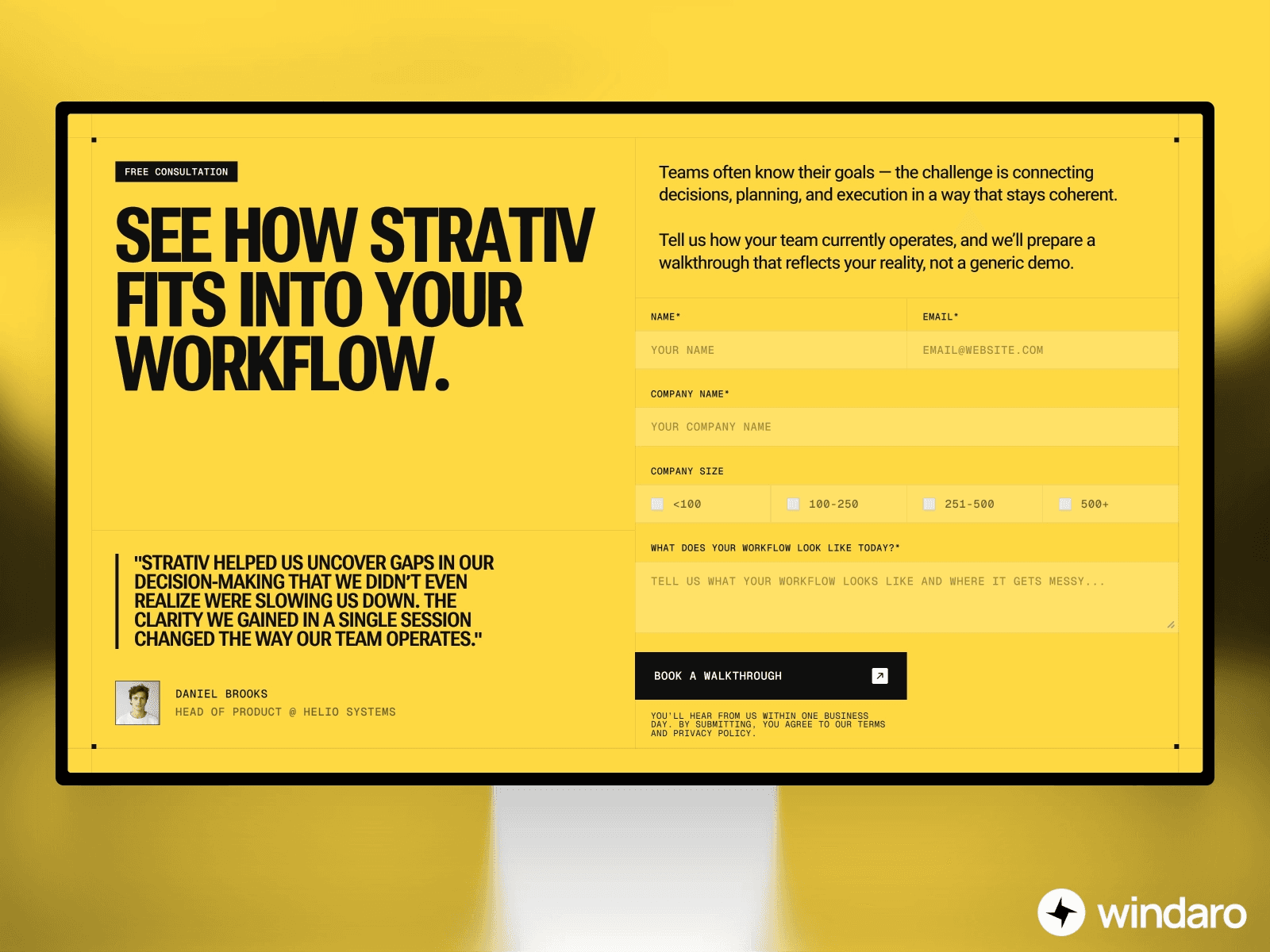
Most landing page conversions require form submission. Email capture, trial signups, and contact requests all depend on visitors completing your form. In Framer, you can optimize forms for maximum completion rates through several tactics.
First, minimize form fields. Every additional field reduces submission rates. Collect only essential information upfront—you can gather details later. Second, use clear labeling and validation messaging. Third, style your form to match your brand and create visual prominence. Fourth, consider progressive profiling—if you need significant information, ask for it across multiple steps rather than a single overwhelming form.
Framer's form components integrate with common services like Airtable, Stripe, and custom webhooks, making it easy to capture and process submissions without additional integration work.
A/B Testing And Analytics: Tracking Performance In Framer
Publishing your landing page is just the beginning. Successful landing pages are refined through continuous testing and optimization. This is where analytics and A/B testing become critical.
Setting Up Goal Tracking
Before your page goes live, establish what success looks like. Is it form submissions? Email signups? Button clicks? Demo requests? Define your primary conversion goal clearly. Then, configure your analytics platform (Google Analytics, Segment, Mixpanel, or others) to track this conversion.
Framer integrates with most analytics platforms, allowing you to track custom events. You can set up conversion tracking for CTA clicks, form submissions, and other meaningful actions. This data becomes your feedback loop for optimization.
Implementing A/B Tests
Once you have baseline data, you can systematically test variations to improve conversion rates. Common A/B test variables include headline copy, CTA button color, form field count, social proof placement, and page length.
The key to effective A/B testing is statistical significance. You need sufficient traffic for at least 2-4 weeks before drawing conclusions from tests. Running tests too briefly or stopping as soon as you see a winner leads to false positives and poor decisions. A/B testing platforms like Unbounce, VWO, or Google Optimize can handle the technical implementation while you focus on strategy.
Analyzing User Behavior
Beyond conversion rates, understand how visitors interact with your page. Heatmaps show where visitors click and scroll. Session recordings reveal confusing moments or friction points. Funnel analysis identifies where visitors drop off. These insights guide optimization priorities.
For a deeper dive into conversion optimization strategy, see our conversion rate optimization guide, which covers comprehensive testing frameworks and analysis techniques.
Common Landing Page Mistakes And How To Avoid Them
Even with Framer's intuitive tools, certain mistakes appear repeatedly in poorly-converting pages. Being aware of these pitfalls helps you avoid them.
Unclear Value Proposition
If visitors don't immediately understand what you offer and why they should care, they leave. Your headline must be crystal clear. Avoid clever wordplay that obscures meaning. Say exactly what you do, for whom, and why it matters. Within five seconds of arriving, a visitor should understand your core message.
Visual Clutter And Poor Information Hierarchy
When everything is emphasized, nothing stands out. Effective pages use whitespace, typography contrast, and color strategically to guide attention. Use larger, bolder text for your headline. Use supporting text for subheadings. Use smaller text for explanatory content. This visual hierarchy makes scanning easy and guides visitors toward your CTA.
Misaligned Design And Message
Your design should reinforce your message. A premium accounting software shouldn't have a playful, cartoon aesthetic. A fun social app shouldn't feel corporate and formal. Your visual design, language, and overall tone should work in concert to communicate your brand personality while maintaining focus on conversion.
Weak Or Missing Social Proof
Trust is currency in online conversion. A page without credibility signals—testimonials, logos, reviews, case studies—asks visitors to trust based on faith alone. Include real social proof from real customers. If you're early-stage with limited testimonials, get them. Ask your first customers for feedback. Document results. As you grow, expand your social proof section.
Poor Mobile Experience
More than half of web traffic now comes from mobile devices. A landing page that looks great on desktop but feels cramped or hard to navigate on mobile leaves conversion opportunities on the table. Fortunately, Framer's responsive design system makes mobile-first design straightforward. Always preview your page on mobile and tablet during design.
Confusing Navigation
Landing pages aren't typically multi-section sites with complex navigation. In fact, top-performing landing pages often use minimal navigation—just a logo or back-to-site link in the header. The goal is focused attention on your core message and CTA, not navigation exploration. Resist adding unnecessary menu items that distract from conversion.
Framer Versus Other Landing Page Builders
The landing page builder landscape includes diverse tools: traditional builders like Unbounce and Leadpages, website builders like Webflow and Wix, and design tools like Figma and Adobe XD that have added publishing capabilities. How does Framer compare?
Framer Versus Unbounce And Leadpages
Traditional landing page builders like Unbounce and Leadpages prioritize conversion features—built-in A/B testing, conversion tracking, and conversion-focused templates. These platforms are excellent for quick page creation, especially for teams without design expertise. However, design customization is often limited. Custom branding requires working within predefined templates, and creating truly unique designs is difficult.
Framer trades some of Unbounce's specialized conversion features (though it integrates with them) for significantly greater design flexibility. If custom design and brand expression matter to you, Framer offers advantages. If you want turnkey conversion features with minimal setup, Unbounce or Leadpages might be better choices.
Framer Versus Webflow
Webflow is a powerful website builder that offers tremendous design flexibility and supports custom code. For teams with design or development skills, Webflow is exceptional. However, it has a steeper learning curve than Framer. Webflow expects you to understand web design principles and often requires more time to create pages. Framer prioritizes speed and simplicity while still offering design power.
Additionally, Framer's templates and components are specifically optimized for landing pages and conversion-focused design. Webflow is general-purpose, which is powerful but not as specialized.
Framer Versus Figma
Figma is a design tool, not a publishing platform. While Figma has added design-to-code capabilities, publishing live pages and managing analytics from Figma is cumbersome. Framer is purpose-built for publishing interactive pages on the web. If you're designing in Figma, you'll need another tool to publish and track performance—Framer bridges design and publishing in one platform.
The Framer Advantage
Framer's core strength is combining design flexibility with publishing simplicity and conversion focus. You get the design control of Webflow without the complexity, the publishing simplicity of Unbounce without sacrificing custom design, and web-standard technology that performs brilliantly. When you're building a high converting landing page that needs to reflect your brand and perform at scale, Framer's balance of power and simplicity is hard to beat.
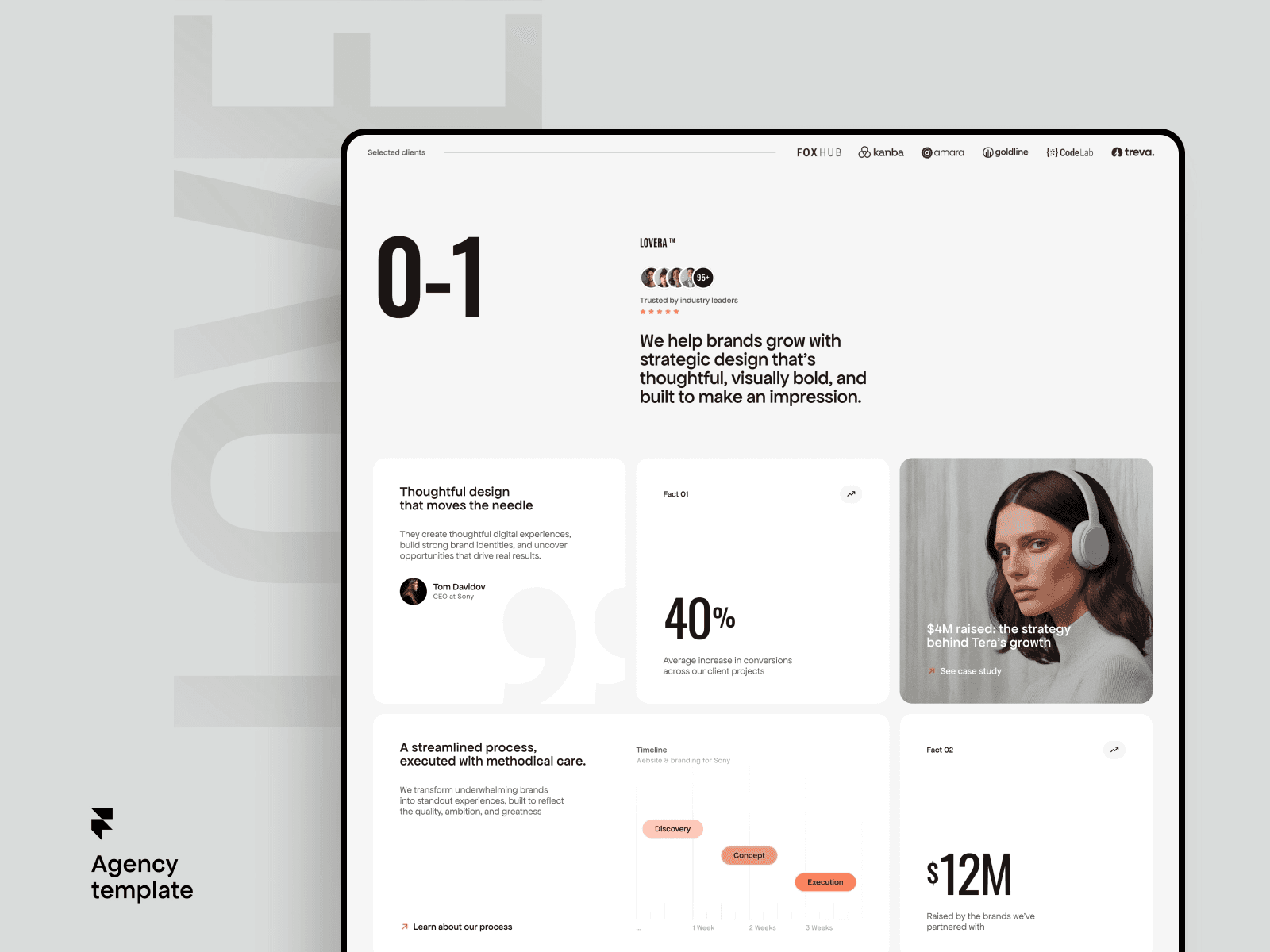
For teams ready to level up their design game, Framer templates offer a great starting point. Learn more by reading about best Framer SaaS landing page templates and how to make them your own by reading our guide on customizing Framer templates.
Conclusion
Building a high-converting landing page requires balancing several elements: a clear, compelling message, strategic design that guides attention, optimized flows and forms, and continuous refinement based on real visitor data. In 2026, the expectations for landing page quality have increased—visitors expect responsive design, smooth animations, and professional polish as baseline expectations rather than differentiators.
Framer enables non-technical teams to meet these elevated expectations without extensive design or development resources. By combining powerful design tools with modern web performance and built-in conversion best practices, Framer landing pages consistently deliver results that rival pages created by specialized landing page agencies.
Whether you're building your first landing page or refining your hundredth, Framer provides the tools and flexibility to create pages that convert. The combination of speed, design control, and conversion focus makes it an exceptional choice for any team serious about turning visitors into customers. Start with a Framer landing page template, customize it to your brand and message, test variations, and refine based on data. Your conversion rates will reflect the investment.